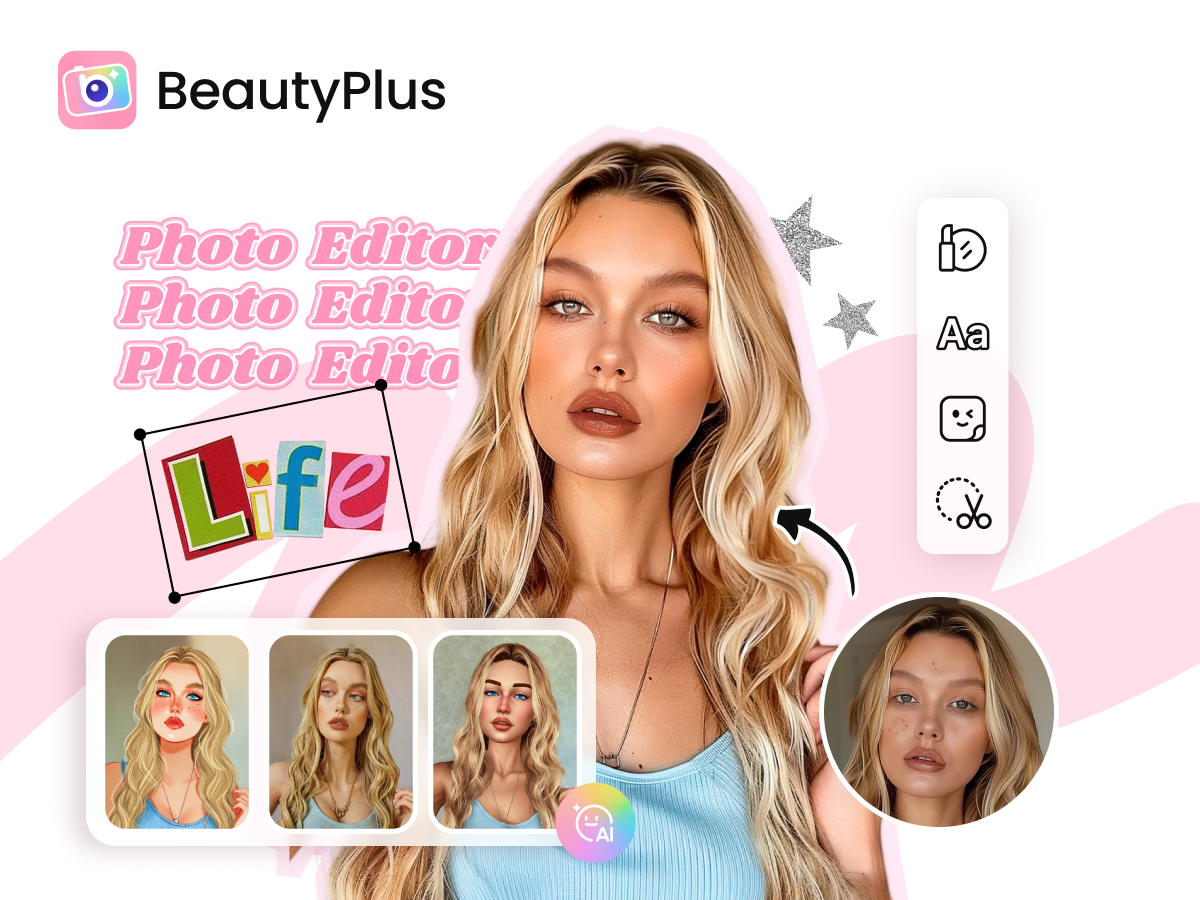
BeautyPlus is a comprehensive, free AI photo editor offering a wide array of tools to enhance and transform your images. It solves the common problem of needing professional-quality photo editing without the complexity or cost of traditional software. With features like AI filters, background removal, and face editing, BeautyPlus empowers users to create stunning visuals easily.
BeautyPlus Key Features
AI Filters
Explore a diverse collection of AI filters, including AI Clay, Anime, Pixel, Crayon, and Cartoon styles. These filters instantly transform photos into unique artistic creations, offering a fun and creative way to express yourself.
AI Photo to Anime Converter
Transform your photos into captivating anime-style images with a single tap. This feature uses advanced AI to create stunning artwork from your photos.
AI Image Enhancer
Improve the quality of your photos with the AI Image Enhancer. This tool automatically adjusts lighting, sharpness, and other aspects to make your pictures look their best.
Background Remover
Easily remove backgrounds from your photos, allowing you to replace them with custom backgrounds or transparent backgrounds for creative compositions. This feature is perfect for product photos, profile pictures, and more.
AI Avatar Generator
Create personalized avatars with the AI Avatar Generator. Generate unique and stylized avatars for social media profiles, gaming, or any online presence.
AI Object Remover
Remove unwanted objects from your photos with precision. Clean up distractions and create flawless images quickly and easily.
Makeup Application
Apply virtual makeup to your photos, enhancing your features and experimenting with different looks. This feature offers a wide range of makeup styles and customization options.
Face Editor
Refine your facial features with tools that smooth skin, reshape the face, and enhance the eyes. Achieve a polished and natural look effortlessly.
Body Editor
Reshape your body and enhance your physique with body editing tools. Adjust your height, waist, and other body proportions for a perfect look.
How BeautyPlus Works
BeautyPlus utilizes advanced AI algorithms to analyze and enhance photos. Users upload or take photos within the app, then select from a wide range of AI-powered editing tools. The app processes the image and applies the selected effects, allowing users to preview and adjust the results before saving or sharing.
BeautyPlus Benefits
Creative Control
Users have extensive control over their photo edits, with a wide range of filters, effects, and adjustment tools.
Ease of Use
BeautyPlus offers an intuitive and user-friendly interface, making it easy for users of all skill levels to edit photos.
Time Savings
AI-powered tools automate many editing tasks, saving users time and effort compared to manual editing methods.
Versatility
BeautyPlus offers a wide range of features, from basic editing tools to advanced AI effects, providing versatility for various editing needs.
BeautyPlus Use Cases
Social Media Content Creation
Create eye-catching photos for Instagram, Facebook, and other social media platforms using AI filters, makeup tools, and background removal features.
Personal Portraits
Enhance your personal photos with face and body editing tools, creating stunning portraits that showcase your best features.
Product Photography
Remove backgrounds and enhance product photos for online stores or marketing materials, creating professional-looking visuals.
BeautyPlus FAQs
Is BeautyPlus free to use?
Yes, BeautyPlus is free to download and use, with various features and tools available without charge.
What platforms is BeautyPlus available on?
BeautyPlus is available on iOS and Android devices.
Does BeautyPlus offer in-app purchases?
Yes, BeautyPlus offers in-app purchases for additional features and content.
Who Should Use BeautyPlus
BeautyPlus is perfect for anyone who wants to enhance their photos, including social media users, influencers, content creators, and anyone who wants to create stunning visuals quickly and easily. It is ideal for both casual users and those seeking more advanced editing capabilities.