
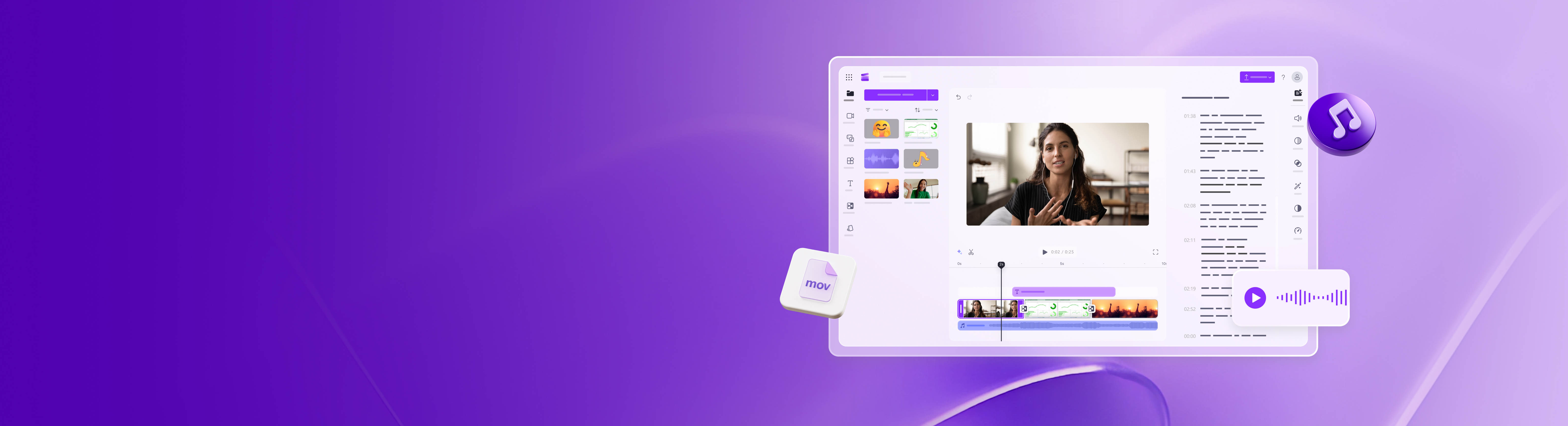
Clipchamp is an online video editor by Microsoft that empowers anyone to create professional-quality videos. It solves the complexities of video editing by offering an intuitive interface and a vast library of royalty-free assets, enabling users to produce engaging content quickly and efficiently. Whether you're a beginner or a seasoned creator, Clipchamp provides the tools you need to bring your vision to life.
Clipchamp Key Features
Royalty-Free Music and Stock Footage
Access a vast library of royalty-free music, sound effects, and stock footage to enhance your videos. No need to worry about licensing issues, allowing you to focus on creating captivating content.
Pre-Made Video Templates
Choose from a wide selection of professionally designed video templates for various purposes, including social media, marketing, and presentations. Customize the templates with your own footage, text, and branding to create videos that stand out.
4K Video Resolution Export
Export your videos in up to 4K video resolution for stunning clarity and detail. Ensure your videos look their best on any screen, from mobile devices to large displays.
AI-Powered Features
Leverage AI-powered tools such as auto-subtitles and silence remover to streamline your video editing workflow and enhance accessibility.
Screen and Camera Recording
Record your screen and webcam simultaneously to create engaging tutorials, presentations, and reaction videos.
How Clipchamp Works
Clipchamp operates directly within your web browser or through its dedicated Windows and iOS apps. Simply upload your video clips, images, and audio files, then arrange them on the timeline. Add text, transitions, effects, and music to create a polished final product. The intuitive interface makes it easy to learn and use, even for beginners.
Clipchamp Benefits
Time Savings
Quickly create videos with pre-made templates and AI-powered tools, saving valuable time and effort.
Cost Efficiency
Access royalty-free assets and avoid costly licensing fees, reducing your overall video production expenses.
Creative Control
Customize templates, add effects, and fine-tune your videos to achieve your desired look and feel.
Ease of Use
Enjoy an intuitive interface and user-friendly tools that make video editing accessible to everyone.
Accessibility
Easily add subtitles to your videos, making them accessible to a wider audience.
Clipchamp Use Cases
Social Media Marketing
Create engaging social media videos to promote your brand and reach a wider audience.
Educational Content
Produce informative tutorials, presentations, and online courses with screen recording and webcam integration.
Business Presentations
Develop professional-looking presentations to showcase your company and products.
Clipchamp FAQs
Is Clipchamp free to use?
Clipchamp offers a free plan with limited features and export options. Paid plans are available for access to premium features and higher resolution exports.
What file formats does Clipchamp support?
Clipchamp supports a wide range of video, audio, and image file formats.
Can I use Clipchamp on my mobile device?
Yes, Clipchamp is available as an iOS app, allowing you to create videos on the go.
Who Should Use Clipchamp
Clipchamp is ideal for social media marketers, educators, business professionals, and anyone who wants to create high-quality videos quickly and easily. It's perfect for both beginners and experienced video editors who are looking for a user-friendly and feature-rich online video editing solution.


