
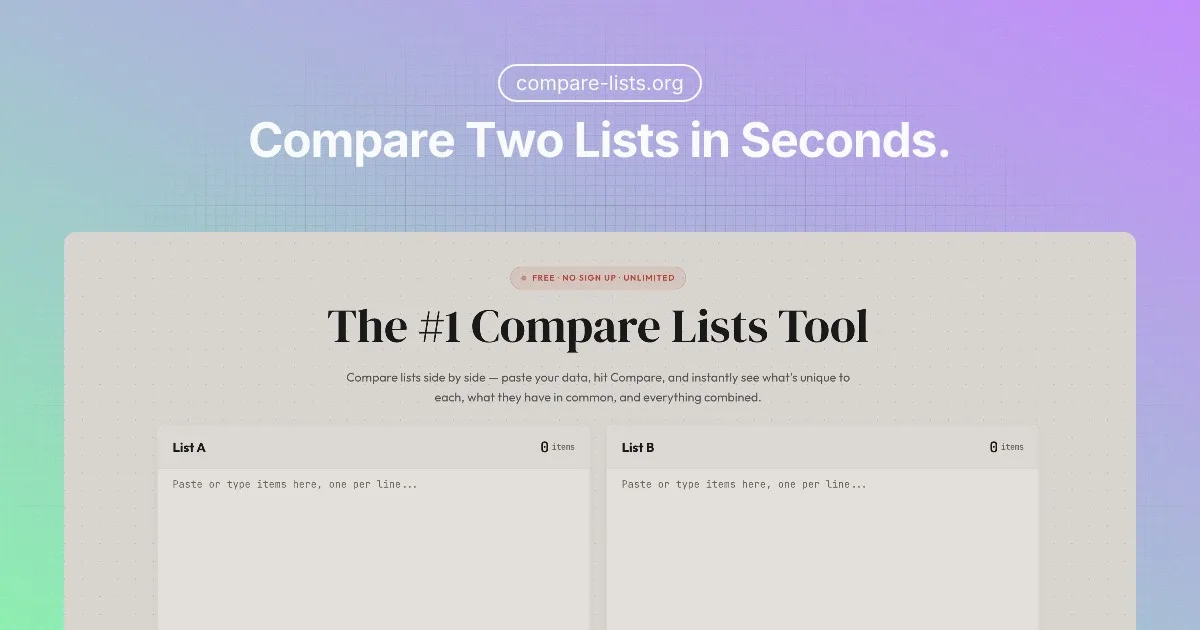
Compare Lists is a free online tool designed to effortlessly compare lists and identify differences, common elements, and unique items. It provides instant results without requiring sign-up or imposing limits, making list comparison accessible to everyone.
Compare Lists Key Features
Instant Results
Get immediate results as soon as you input your lists. No waiting or processing time required.
Five Result Panels
View the comparison results in five distinct panels: items only in List A, items only in List B, items in both lists, the union of both lists, and the symmetric difference.
Data Cleanup
Clean messy data before comparison. Remove duplicates, trim whitespace, and standardize text to ensure accurate results.
File Import
Import lists from Excel, TXT, or CSV files for quick and easy comparison of large datasets.
Export & Edit Results
Export your comparison results to various formats or edit them directly within the tool for further refinement.
How Compare Lists Works
Simply paste or upload your two lists into the designated areas. The tool automatically compares the lists and presents the results in five clear and concise panels.
Compare Lists Benefits
Time Savings
Quickly identify differences and commonalities between lists, saving you hours of manual comparison.
Ease of Use
An intuitive interface makes list comparison simple and accessible to users of all technical skill levels.
No Sign-Up Required
Start comparing lists immediately without creating an account or providing personal information.
Free & Unlimited
Enjoy unlimited list comparisons without any hidden fees or restrictions.
Data Privacy
Your data remains safe and secure. Compare Lists does not store or share your information.
Compare Lists Use Cases
Inventory Management
Quickly identify discrepancies between inventory lists and sales records.
Data Analysis
Compare datasets to find unique entries, duplicates, or overlapping information.
Research
Analyze research data to identify common themes, unique findings, or conflicting results.
Project Management
Compare task lists to ensure all tasks are accounted for and no duplicates exist.
Compare Lists FAQs
What types of lists can I compare?
You can compare any type of text-based list, including names, numbers, addresses, product codes, and more.
Is there a limit to the size of the lists I can compare?
There are no hard limits, but very large lists may take longer to process.
What do the different result panels mean?
- Only in List A: Items that appear only in the first list.
- Only in List B: Items that appear only in the second list.
- In Both: Items that appear in both lists.
- Union: All unique items from both lists combined.
- Symmetric Difference: Items that appear in either list, but not in both.
Who Should Use Compare Lists
Anyone who needs to compare lists quickly and easily. This includes data analysts, researchers, project managers, inventory managers, and anyone who works with lists regularly.


