
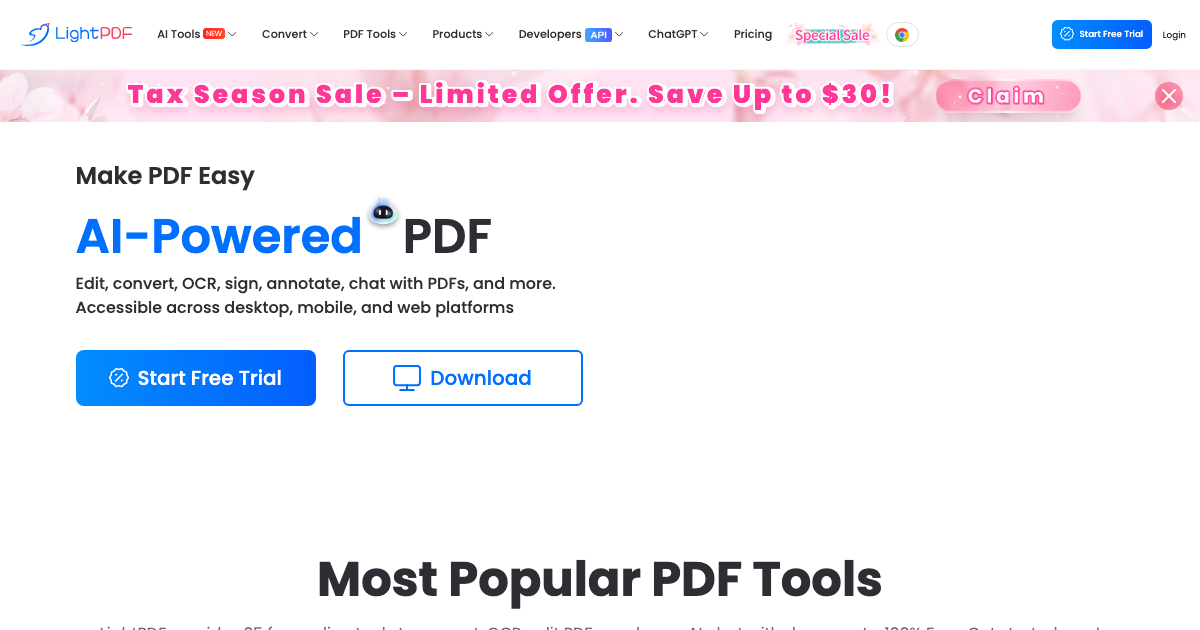
LightPDF is an AI-powered online PDF solution that provides free cloud-based services to view, edit, convert, sign, annotate, merge, manage, and share PDFs easily. It solves PDF problems with an intuitive interface and efficient tools. LightPDF offers a comprehensive suite of features for both personal and professional use.
LightPDF Key Features
PDF Conversion
Convert PDFs to various formats like Word, Excel, PPT, JPG, PNG, and TXT, and vice versa. Supports batch conversion for increased productivity.
PDF Editing
Edit PDF text, add images, shapes, and signatures. Modify existing content and create fillable forms.
AI ChatPDF
Interact with your PDF documents using AI. Ask questions, summarize content, and extract key information.
PDF Reader
View PDF files online with zoom, annotation, and search functionalities. Compatible with all major browsers and devices.
PDF Annotation
Add highlights, underlines, comments, and sticky notes to PDF documents for collaboration and review.
PDF Signature
Digitally sign PDF documents with legally binding electronic signatures. Supports multiple signature methods.
OCR (Optical Character Recognition)
Convert scanned documents and images into editable and searchable PDFs.
PDF Compression
Reduce the file size of PDF documents without compromising quality.
PDF Merge & Split
Combine multiple PDF files into a single document or split a PDF into individual pages.
How LightPDF Works
LightPDF operates entirely online, eliminating the need for software downloads or installations. Simply upload your PDF file to the platform, select the desired function (e.g., edit, convert), and follow the on-screen instructions. Processed files can be downloaded directly to your device or saved to the cloud.
LightPDF Benefits
Time Savings
Quickly convert, edit, and manage PDF documents without complex software.
Cost Efficiency
Access essential PDF tools for free, reducing the need for expensive software licenses.
Ease of Use
Intuitive interface and straightforward workflow for a seamless user experience.
Accessibility
Access PDF tools from any device with an internet connection.
Collaboration
Share and annotate PDF documents with colleagues and clients for efficient teamwork.
LightPDF Use Cases
Business Professionals
Create, edit, and sign contracts, reports, and presentations.
Students
Annotate lecture notes, convert research papers, and collaborate on group projects.
Educators
Prepare and share course materials, grade assignments, and provide feedback.
Legal Professionals
Manage legal documents, redact sensitive information, and obtain digital signatures.
LightPDF FAQs
Is LightPDF really free?
Yes, LightPDF offers a range of free PDF tools for basic editing, conversion, and viewing needs.
Is my data secure with LightPDF?
LightPDF uses secure servers and encryption protocols to protect your data.
What file formats are supported?
LightPDF supports a wide range of file formats, including PDF, Word, Excel, PPT, JPG, PNG, and TXT.
Who Should Use LightPDF
LightPDF is ideal for students, educators, business professionals, legal professionals, and anyone who needs a convenient and efficient way to manage PDF documents. Perfect for both individual users and teams looking to streamline their PDF workflows.


