
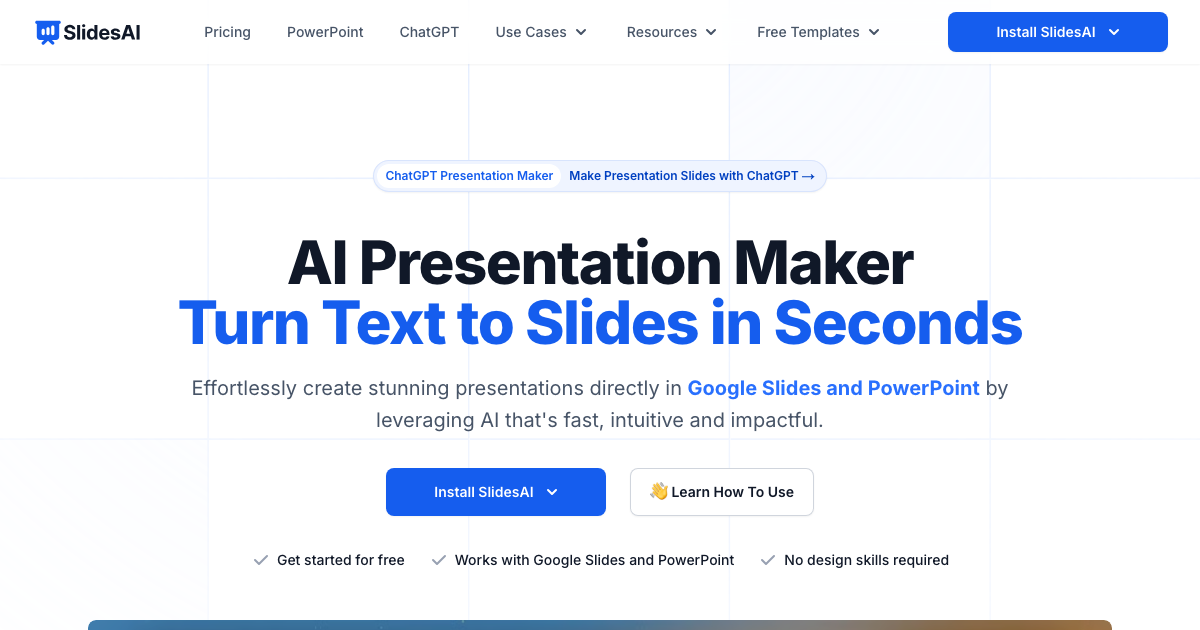
SlidesAI is an AI-powered presentation maker that helps you create professional-looking slides in seconds. It transforms text into visually appealing presentations for Google Slides and PowerPoint, saving you time and effort. Ideal for teachers, students, and professionals, SlidesAI simplifies the presentation creation process.
SlidesAI Key Features
AI-Powered Slide Generation
Automatically generates presentation slides from text input, including titles, bullet points, and relevant content. This significantly reduces the time spent on manually creating slides.
Google Slides and PowerPoint Compatibility
Seamlessly integrates with both Google Slides and PowerPoint, allowing you to create and edit presentations within your preferred platform.
Customizable Themes and Layouts
Offers a range of customizable themes and layouts to match your brand or personal style. You can easily edit fonts, colors, and backgrounds to create a unique presentation.
AI Image Generation
Instantly add stunning, AI-generated images to your slides, enhancing visual appeal and engagement. This feature helps to illustrate your points and captivate your audience.
Refine and Rephrase Content
Provides tools to refine, rephrase, and shorten text within your slides, ensuring clarity and conciseness. This helps to deliver your message effectively.
GPT Translation
Translate content into multiple languages using GPT, making your presentations accessible to a global audience.
How SlidesAI Works
- Input Text: Enter your text or upload a document.
- AI Generation: SlidesAI's AI algorithms analyze the text and generate a presentation outline.
- Customize: Customize the theme, layout, and content to your liking.
- Present: Download or present your stunning presentation.
SlidesAI Benefits
Time Savings
Create presentations in seconds, freeing up valuable time for other tasks.
Enhanced Visual Appeal
Generate visually appealing slides with AI-generated images and customizable themes.
Increased Productivity
Streamline the presentation creation process and boost your overall productivity.
Professional Results
Create professional-looking presentations without the need for design skills.
Seamless Integration
Easily integrate with Google Slides and PowerPoint for a smooth workflow.
SlidesAI Use Cases
Education
Teachers can quickly create engaging lesson plans and presentations for students.
Business
Professionals can generate impactful presentations for meetings, conferences, and client pitches.
Marketing
Marketers can create visually appealing presentations to showcase products, services, and campaign results.
SlidesAI FAQs
How do I get started with SlidesAI?
Simply visit the SlidesAI website and install the add-on for Google Slides or download the PowerPoint version.
Is SlidesAI free to use?
SlidesAI offers a free plan with limited features. Paid plans are available for additional functionality and usage.
Can I customize the themes and layouts?
Yes, SlidesAI offers a range of customizable themes and layouts to match your brand or personal style.
Who Should Use SlidesAI
Teachers, students, and professionals who need to create presentations quickly and easily. Ideal for anyone looking to save time, enhance visual appeal, and boost productivity.


