
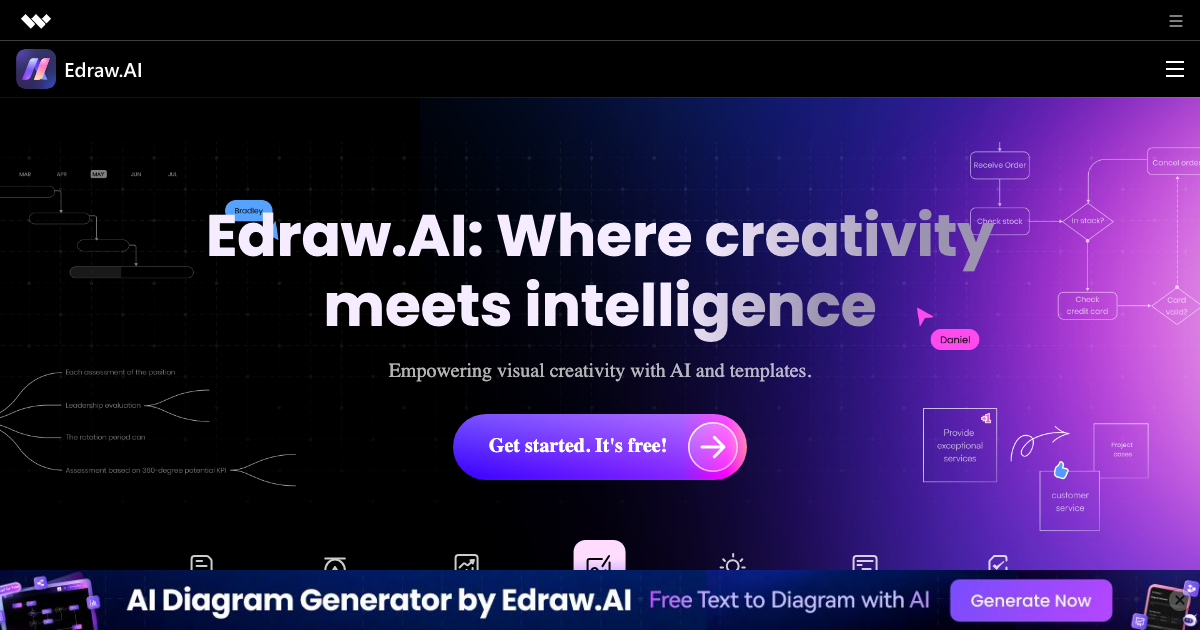
Edraw.AI is an AI-powered visual collaboration platform designed to revolutionize how teams brainstorm, plan, and execute projects. It solves the problem of inefficient visual communication by providing a suite of AI tools and finely designed templates to generate flowcharts, mind maps, and other diagrams quickly and easily.
Edraw.AI Key Features
AI Diagram Generator
Generate diagrams from text prompts, turning ideas into visual representations in seconds. Supports various diagram types including flowcharts, mind maps, org charts, and network diagrams.
AI Text to Image
Create images from text descriptions, allowing users to visualize concepts and ideas without needing design skills.
AI Proofreading
Enhance written content with AI-powered proofreading, ensuring clarity and accuracy in all communications and documentation.
AI Meeting Summary
Automatically generate summaries of online meetings, capturing key decisions and action items for efficient follow-up.
AI File Conversion
Convert files between different formats effortlessly, streamlining workflows and ensuring compatibility.
AI-Powered Templates
Access a library of professionally designed templates enhanced with AI capabilities for faster customization and creation.
How Edraw.AI Works
Edraw.AI leverages AI to automate diagram creation and enhance visual communication. Users can input text prompts, upload documents, or start from scratch using customizable templates. The AI algorithms then generate diagrams, summarize meetings, proofread text, and convert files as needed.
Edraw.AI Benefits
Time Savings
Generate diagrams and reports in minutes, reducing the time spent on manual creation and formatting.
Cost Efficiency
Reduce the need for specialized design software and training, lowering overall project costs.
Enhanced Collaboration
Facilitate seamless collaboration with real-time editing and sharing features, improving team productivity.
Improved Clarity
Visualize complex information with clear and concise diagrams, enhancing understanding and decision-making.
Increased Creativity
Unlock new ideas and perspectives with AI-generated visuals, fostering innovation and creativity.
Ease of Use
Intuitive interface and AI-powered assistance make it easy for anyone to create professional-quality diagrams and reports.
Edraw.AI Use Cases
Project Planning
Visualize project timelines, tasks, and dependencies with AI-generated Gantt charts and flowcharts.
Brainstorming Sessions
Generate mind maps and concept maps to capture and organize ideas during brainstorming sessions.
Meeting Summaries
Automatically summarize meeting discussions and action items for efficient follow-up.
Data Visualization
Create charts and graphs to visualize data and identify trends.
Document Creation
Enhance documents and reports with AI-proofreading and formatting assistance.
Edraw.AI FAQs
What types of diagrams can Edraw.AI generate?
Edraw.AI can generate a wide range of diagrams, including flowcharts, mind maps, org charts, network diagrams, Gantt charts, and more.
Is there a free version of Edraw.AI?
Edraw.AI offers a free version with limited features and usage.
What file formats does Edraw.AI support?
Edraw.AI supports a variety of file formats, including .docx, .pdf, .xlsx, .pptx, and various image formats.
Who Should Use Edraw.AI
Edraw.AI is ideal for project managers, business analysts, educators, students, and anyone who needs to create visual representations of information. It is particularly useful for teams that need to collaborate on projects remotely and want to improve communication and productivity. Perfect for both individuals and organizations looking for a user-friendly and AI-powered diagramming solution.


