
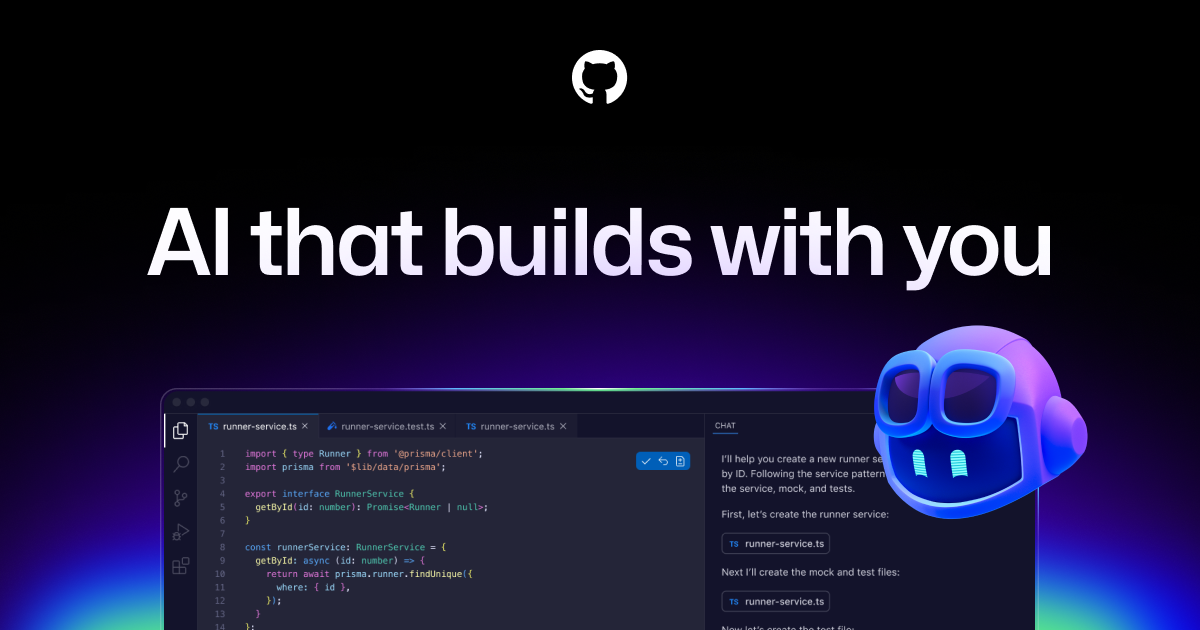
GitHub Copilot is an AI pair programmer that works alongside you directly in your editor, suggesting whole lines or entire functions for you. It leverages the power of AI to understand your code and provide intelligent, context-aware suggestions, helping you code faster and more efficiently.
GitHub Copilot Key Features
AI-Powered Code Completion
GitHub Copilot uses a large language model to analyze your code and provide intelligent, real-time suggestions for code completion. It understands the context of your code, including variable names, function definitions, and comments, to generate accurate and relevant suggestions.
Multi-Language Support
GitHub Copilot supports a wide range of programming languages, including Python, JavaScript, TypeScript, Go, Ruby, and more. This makes it a versatile tool for developers working on various projects.
Integration with Popular IDEs
GitHub Copilot seamlessly integrates with popular IDEs such as Visual Studio Code, Visual Studio, Neovim, JetBrains, Eclipse, Xcode and more. This allows you to use Copilot within your existing development environment without switching tools.
Code Generation
GitHub Copilot can generate entire blocks of code, including functions, classes, and even complex algorithms, based on your comments or existing code. This can significantly reduce the amount of time you spend writing boilerplate code.
Context Awareness
GitHub Copilot understands the context of your code, including variable names, function definitions, and comments, to generate accurate and relevant suggestions. It also learns from your coding style and preferences over time, providing increasingly personalized suggestions.
Agent Mode
GitHub Copilot can act as an intelligent agent, assisting with tasks such as debugging, code explanation, and refactoring.
How GitHub Copilot Works
GitHub Copilot uses a large language model trained on billions of lines of public code to understand your code and provide intelligent suggestions. As you type, Copilot analyzes your code and generates suggestions based on the context. You can then accept or reject these suggestions, and Copilot will learn from your feedback over time.
GitHub Copilot Benefits
Time Savings
GitHub Copilot can significantly reduce the amount of time you spend writing code by providing intelligent, real-time suggestions and generating entire blocks of code. This allows you to focus on more complex tasks and complete projects faster.
Increased Productivity
By automating repetitive tasks and providing intelligent assistance, GitHub Copilot can help you become more productive and efficient. You can write more code in less time and with fewer errors.
Improved Code Quality
GitHub Copilot can help you write cleaner, more maintainable code by providing suggestions based on best practices and coding standards. It can also help you identify and fix potential errors before they become problems.
Reduced Cognitive Load
GitHub Copilot can reduce the cognitive load associated with coding by automating repetitive tasks and providing intelligent assistance. This allows you to focus on the more creative and challenging aspects of software development.
GitHub Copilot Use Cases
Web Development
GitHub Copilot can be used to generate HTML, CSS, and JavaScript code for web applications. It can also help you write server-side code in languages such as Python, Node.js, and Ruby.
Mobile App Development
GitHub Copilot can be used to generate code for iOS and Android apps. It can also help you write cross-platform code using frameworks such as React Native and Flutter.
Data Science
GitHub Copilot can be used to generate code for data analysis, machine learning, and scientific computing. It can also help you write code for data visualization and reporting.
GitHub Copilot FAQs
What programming languages does GitHub Copilot support?
GitHub Copilot supports a wide range of programming languages, including Python, JavaScript, TypeScript, Go, Ruby, and more.
How does GitHub Copilot learn from my code?
GitHub Copilot learns from your coding style and preferences over time by analyzing your code and tracking your feedback on its suggestions.
Is GitHub Copilot secure?
GitHub Copilot is designed to be secure and does not store your code or personal information. All data is processed in the cloud and transmitted over secure connections.
Who Should Use GitHub Copilot
GitHub Copilot is ideal for developers, programmers, and software engineers of all skill levels who want to code faster, more efficiently, and with fewer errors. It is particularly beneficial for those working on complex projects or learning new programming languages.


