
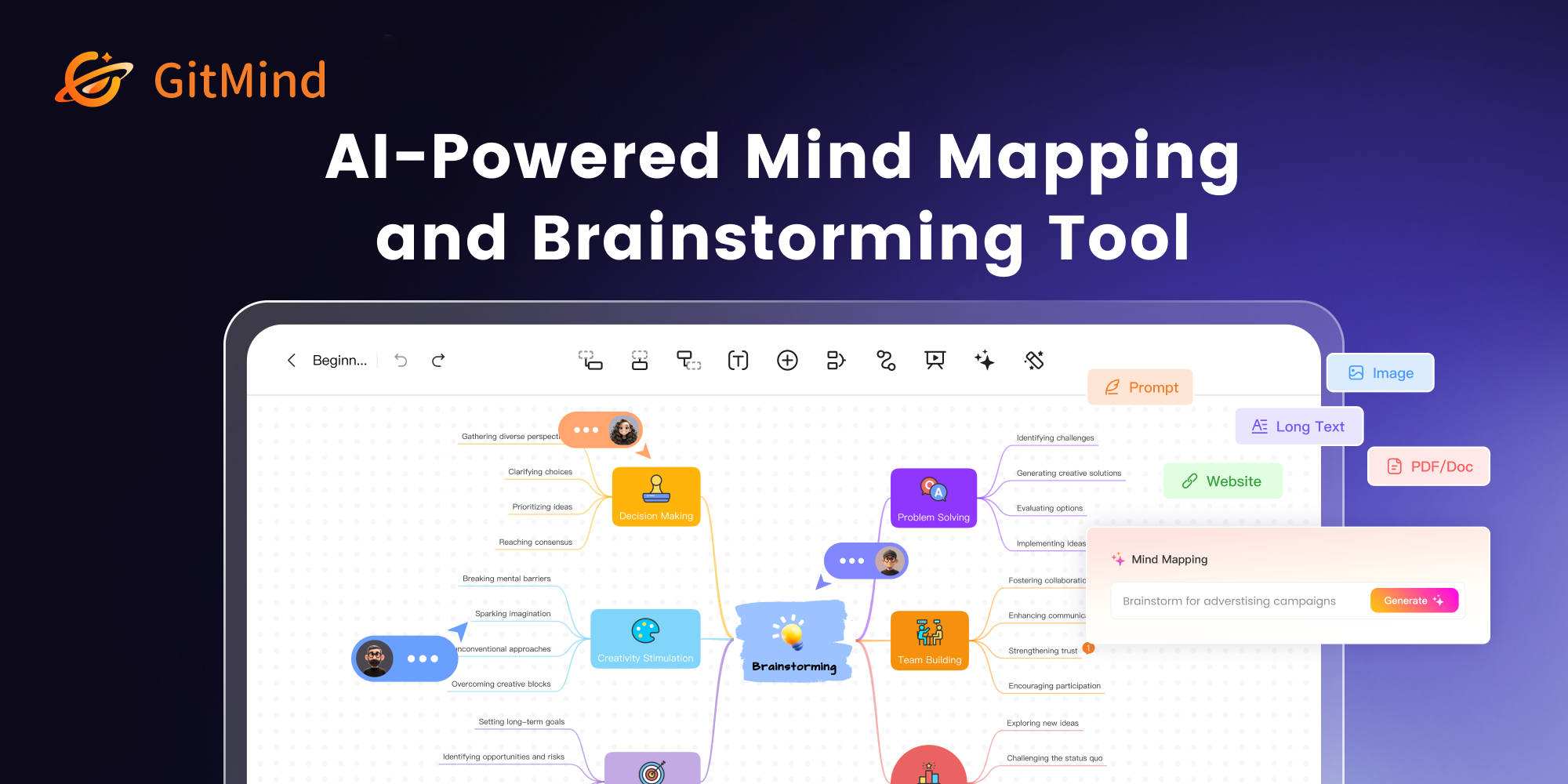
GitMind is a versatile, AI-powered platform designed to streamline brainstorming, mind mapping, and flowchart creation. It empowers users to visualize complex ideas, collaborate in real-time, and enhance productivity through intuitive tools and AI assistance.
GitMind Key Features
AI-Powered Mind Mapping
GitMind leverages AI to assist in generating mind maps from text prompts, automatically organizing topics and subtopics for efficient brainstorming and idea generation.
Real-Time Collaboration
Enables multiple users to work on the same mind map or flowchart simultaneously, fostering teamwork and ensuring everyone stays on the same page. Changes are synchronized instantly.
Versatile Diagramming Tools
Supports the creation of various diagrams, including mind maps, flowcharts, organizational charts, UML diagrams, and more, catering to diverse visualization needs.
Extensive Template Library
Offers a wide range of pre-designed templates to jumpstart projects and provide inspiration for different use cases, saving time and effort.
Cross-Platform Compatibility
Accessible on web browsers, iOS, and Android, ensuring users can create, edit, and share their diagrams from anywhere, at any time.
AI Chat
Enables users to generate content, summarize documents and translate languages using AI Chat functionality.
How GitMind Works
GitMind simplifies the diagramming process with an intuitive interface. Users can start from scratch or choose a template, then add, connect, and customize elements with drag-and-drop functionality. AI assistance provides intelligent suggestions, while real-time collaboration ensures seamless teamwork.
GitMind Benefits
Time Savings
AI-powered features automate the mind mapping process, reducing the time spent on initial setup and organization.
Enhanced Collaboration
Real-time collaboration ensures everyone is on the same page, streamlining teamwork and improving communication.
Improved Productivity
Versatile diagramming tools and templates enable users to quickly visualize and organize their thoughts, leading to increased productivity.
Creative Control
Offers extensive customization options, allowing users to tailor their diagrams to meet their specific needs and preferences.
Ease of Use
Intuitive interface and drag-and-drop functionality make GitMind accessible to users of all skill levels.
GitMind Use Cases
Project Planning
Visualize project tasks, timelines, and dependencies to create comprehensive project plans.
Note-Taking
Organize notes and ideas in a structured mind map for better retention and recall.
Brainstorming
Facilitate brainstorming sessions with AI-powered mind mapping and real-time collaboration.
Education
Create visual aids for teaching and learning, helping students grasp complex concepts more easily.
GitMind FAQs
Is GitMind free to use?
GitMind offers a free version with basic features. Additional features and functionality are available through premium plans.
What types of diagrams can I create with GitMind?
GitMind supports mind maps, flowcharts, organizational charts, UML diagrams, and more.
Can I collaborate with others on GitMind?
Yes, GitMind supports real-time collaboration, allowing multiple users to work on the same diagram simultaneously.
Who Should Use GitMind
GitMind is ideal for students, educators, project managers, business professionals, and anyone who needs to visualize and organize their ideas. It's perfect for individuals and teams looking to enhance productivity, improve collaboration, and simplify complex tasks.


