
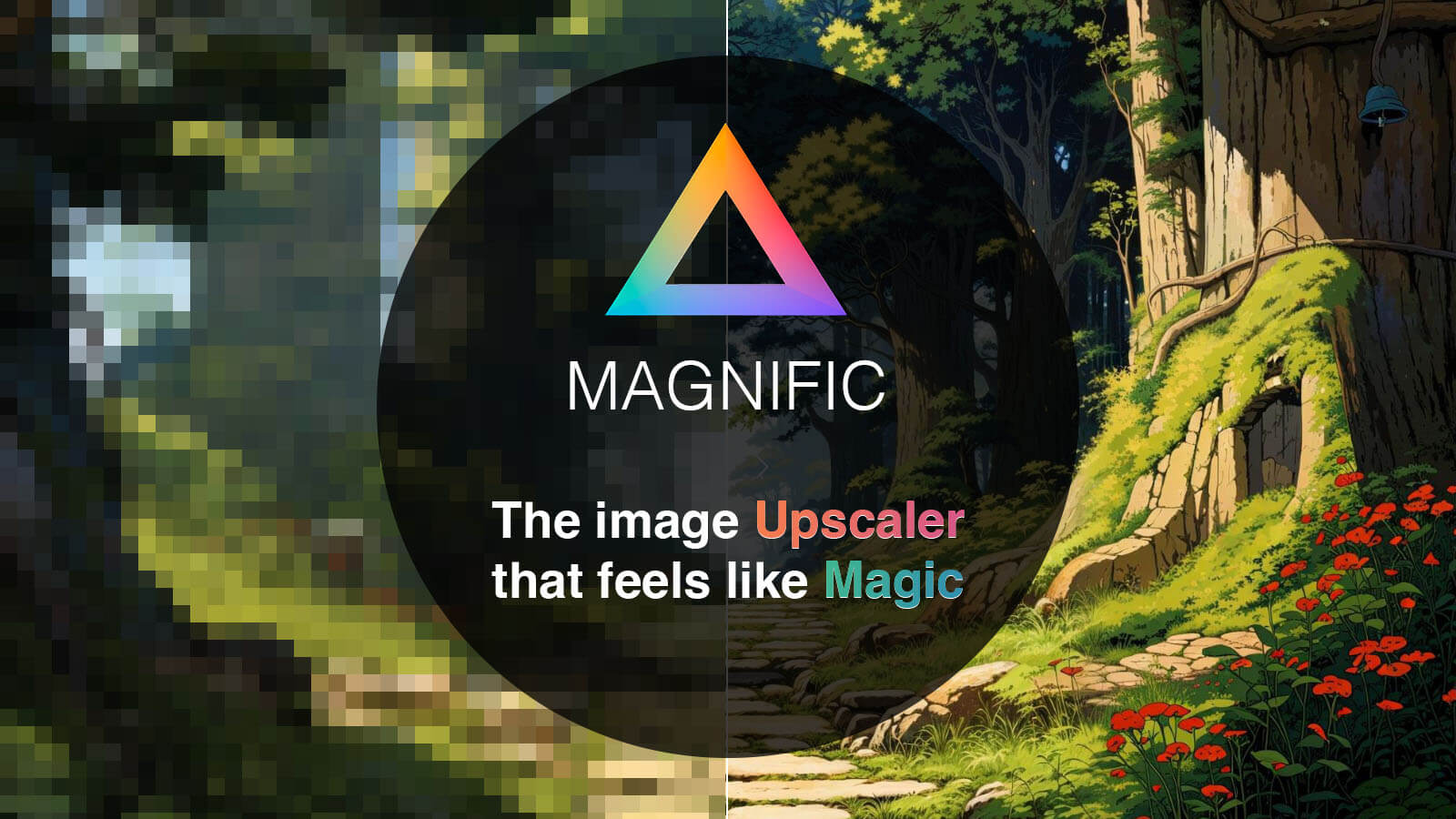
Magnific AI is the most advanced AI upscaler & enhancer, enabling users to reimagine and enhance image details with unparalleled control. It's designed to elevate image resolution and quality, guided by user prompts and parameters, exceeding the capabilities of traditional upscaling methods.
Magnific AI Key Features
AI-Powered Upscaling
Utilizes advanced AI algorithms to upscale images beyond their original resolution, adding details and clarity that were previously undetectable. Supports various image formats including JPEG, PNG, and TIFF.
Prompt-Guided Enhancement
Allows users to provide prompts that guide the AI in reimagining and enhancing specific details within the image, offering fine-grained control over the upscaling process.
Parameter Customization
Offers a range of adjustable parameters, such as detail level, sharpness, and noise reduction, enabling users to tailor the upscaling process to their specific needs and preferences.
High-Resolution Output
Generates high-resolution images suitable for professional use, including printing, web display, and other applications where image quality is paramount.
Batch Processing
Enables users to upscale multiple images simultaneously, saving time and effort on large projects.
API Access
Provides API access for seamless integration into existing workflows and applications.
How Magnific AI Works
Magnific AI employs a sophisticated AI model trained on a vast dataset of images to understand and recreate details during the upscaling process. Users upload an image, provide prompts and adjust parameters, and the AI intelligently enhances the image, adding details and clarity based on the provided guidance.
Magnific AI Benefits
Time Savings
Dramatically reduces the time required to upscale images compared to manual methods, allowing users to focus on other creative tasks.
Cost Efficiency
Eliminates the need for expensive hardware and software typically associated with high-quality image upscaling, making it accessible to a wider range of users.
Creative Control
Provides unparalleled control over the upscaling process, allowing users to fine-tune the results to match their artistic vision.
Scalability
Easily handles large volumes of images, making it suitable for both individual users and large organizations.
Enhanced Image Quality
Produces images with significantly improved detail, clarity, and overall visual appeal.
Magnific AI Use Cases
Photography
Enhance and upscale photographs for printing, web display, and other professional applications.
Graphic Design
Create high-resolution graphics for marketing materials, websites, and other design projects.
Film and Video Production
Upscale video footage for improved visual quality and compatibility with modern display technologies.
Archiving
Preserve and enhance old or damaged images by upscaling them to a higher resolution.
Magnific AI FAQs
What types of images can Magnific AI upscale?
Magnific AI can upscale a wide range of images, including photographs, illustrations, graphics, and more.
How much control do I have over the upscaling process?
You have a high degree of control over the upscaling process through the use of prompts and adjustable parameters.
What is the maximum resolution of the upscaled images?
The maximum resolution of the upscaled images depends on the original image resolution and the selected parameters.
Who Should Use Magnific AI
Photographers, graphic designers, film and video producers, and anyone who needs to enhance and upscale images for professional or personal use. Perfect for both creative professionals and hobbyists seeking to improve the quality of their images.


