
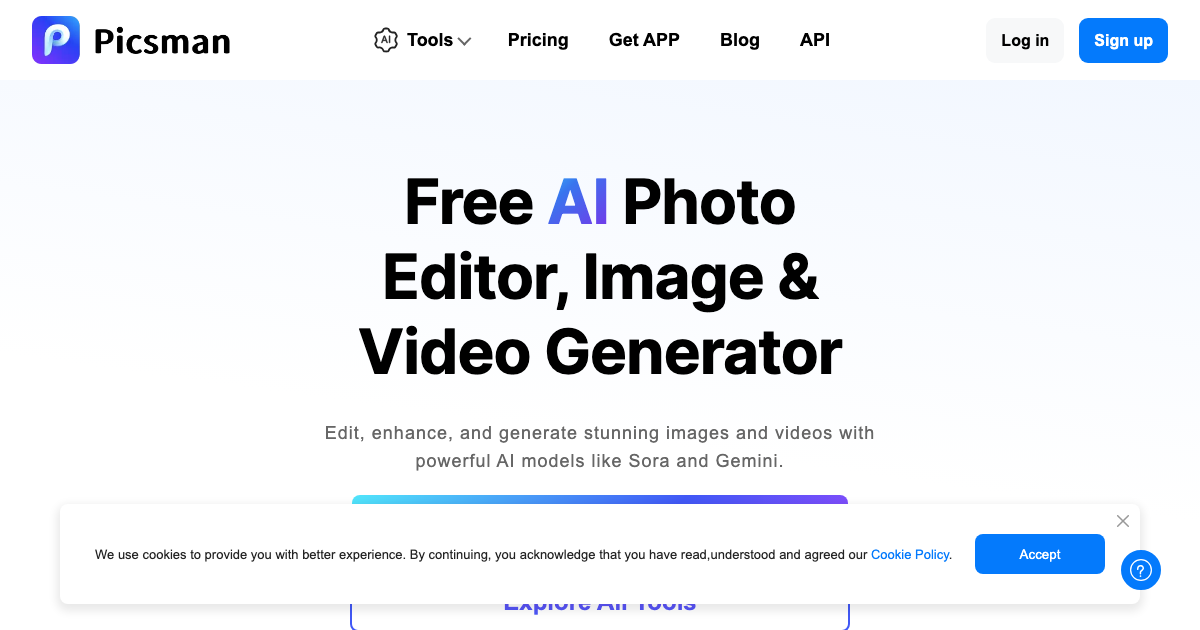
Picsman is a free AI-powered online photo and video editor designed to help users create stunning visuals with ease. It offers a comprehensive suite of AI tools for image generation, editing, and enhancement, catering to both beginners and experienced creators.
Picsman Key Features
AI Image Generator
Generate unique and captivating images from text prompts. Experiment with different styles, subjects, and compositions to bring your ideas to life.
AI Video Generator
Create engaging videos from text or images. Perfect for social media content, marketing materials, or personal projects.
Remove Background
Instantly remove backgrounds from photos with AI-powered precision. Create transparent PNGs or replace backgrounds with custom images.
Photo Enhancer
Improve the quality and clarity of your photos with AI-driven enhancement. Sharpen details, reduce noise, and boost colors for stunning results.
AI Image Extender
Expand the boundaries of your images with AI. Seamlessly extend the canvas and fill in the gaps with realistic content.
AI Clothes Changer
Experiment with different outfits and styles on your photos. Easily change the clothes of people in your images with AI magic.
Magic Eraser
Remove unwanted objects from your photos with ease. Simply brush over the object you want to remove, and Picsman's AI will seamlessly fill in the background.
AI Filters
Transform your photos with a variety of artistic AI filters. Apply unique styles and effects to create visually appealing images.
AI Photo Editor with Prompts
Edit your photos with the help of AI prompts. Describe the changes you want to make, and Picsman will automatically apply them.
AI Replace
Replace objects in your images with other objects using AI. Simply select the object you want to replace and provide a text prompt for the new object.
Video Watermark Remover
Remove watermarks from your videos quickly and easily. Supports various video platforms and watermark types.
How Picsman Works
Picsman leverages advanced AI algorithms to analyze and process images and videos. Users simply upload their files, select the desired AI tool, and customize the settings to achieve their desired results. The platform's intuitive interface makes it easy for anyone to use, regardless of their technical skills.
Picsman Benefits
Time Savings
Quickly and easily edit photos and videos with AI-powered tools, saving you valuable time and effort.
Cost Efficiency
Access a wide range of powerful editing tools for free, eliminating the need for expensive software subscriptions.
Creative Control
Unleash your creativity with AI-powered features that allow you to experiment with different styles, effects, and compositions.
Ease of Use
The intuitive interface and user-friendly design make it easy for anyone to use Picsman, regardless of their technical skills.
Picsman Use Cases
Social Media Content Creation
Create eye-catching visuals for social media platforms, including Instagram, TikTok, and Facebook.
Marketing Materials
Design professional-looking marketing materials, such as flyers, brochures, and website graphics.
Personal Projects
Enhance your personal photos and videos for memories that last a lifetime.
Picsman FAQs
Is Picsman really free?
Yes, Picsman offers a wide range of AI-powered tools for free.
What file formats does Picsman support?
Picsman supports various image and video formats, including JPG, PNG, MP4, and MOV.
Is my data secure?
Picsman prioritizes user privacy and data security. All uploaded files are processed securely and deleted after a short period.
Who Should Use Picsman
Picsman is ideal for social media influencers, marketers, small business owners, and anyone who wants to create stunning visuals without the need for expensive software or technical expertise. It is perfect for beginners and experienced creators alike.


