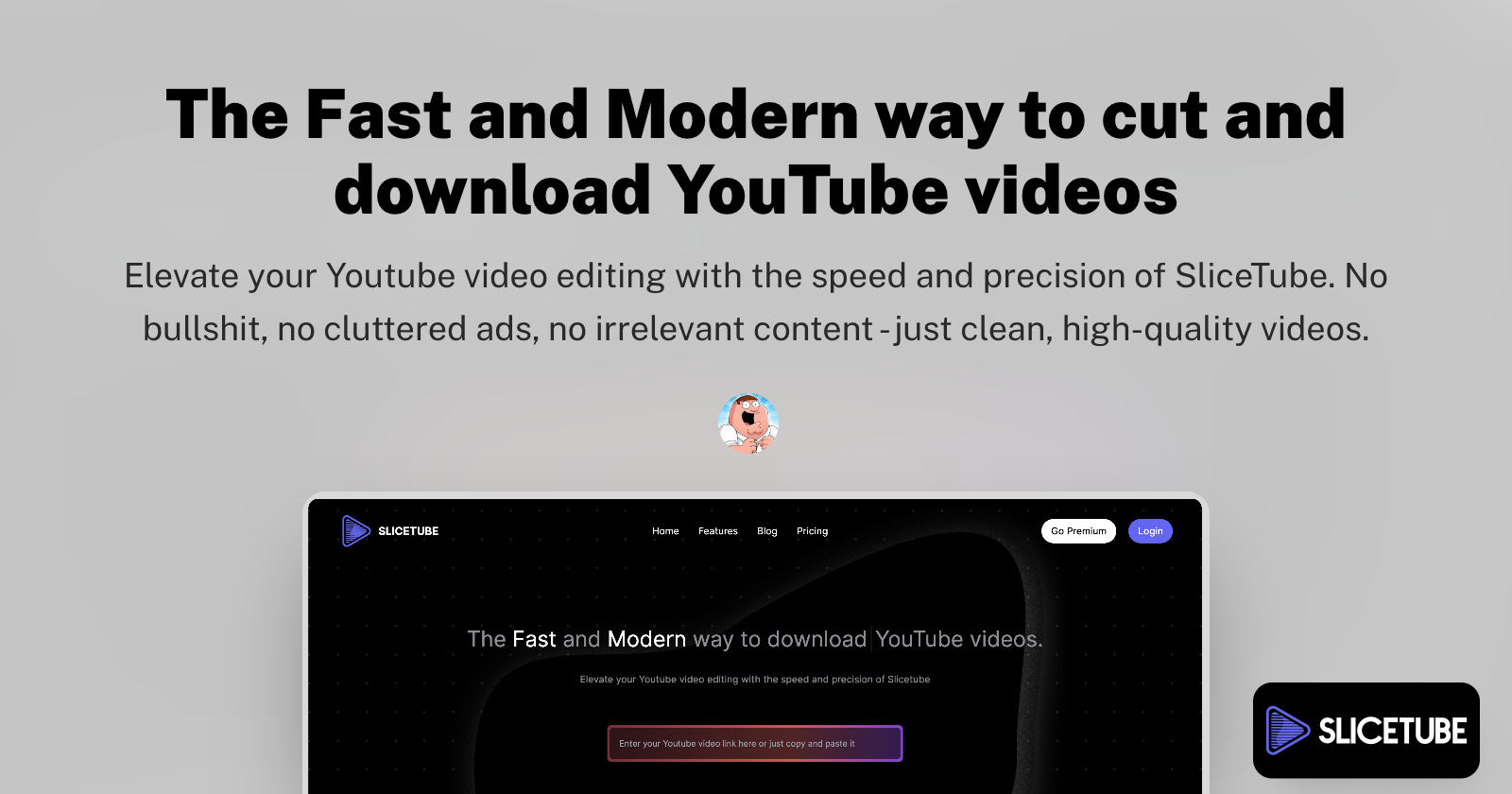
SliceTube is a modern, no-frills YouTube video downloader that empowers users to effortlessly download and trim videos in their preferred formats. It offers a streamlined experience for acquiring YouTube content, allowing for precise video cutting before or during the download process. This tool is designed for speed and simplicity, making it an accessible solution for a wide range of users, from casual content creators to professionals who need to repurpose video assets.
SliceTube Key Features
Fast YouTube Video Downloading
Experience rapid download speeds for YouTube videos, ensuring you get your content without unnecessary delays. SliceTube optimizes the download process for efficiency.
Intuitive Video Trimming
Easily cut and select specific segments of YouTube videos before downloading. This feature allows for precise content extraction, saving you time on post-download editing.
Multi-Format Export
Download videos in a variety of popular formats to suit your needs. Whether you require MP4, AVI, or other common video files, SliceTube supports your preferred export options.
User-Friendly Interface
SliceTube boasts a clean and modern interface that is easy to navigate, even for users with minimal technical experience. The focus is on a no-frills approach to get you downloading quickly.
Cross-Platform Accessibility
Accessible directly through your web browser, SliceTube provides a convenient way to download and trim videos from any device with internet access.
How SliceTube Works
SliceTube operates as a web-based service. Users simply provide the URL of the YouTube video they wish to download. The platform then processes the video, allowing users to specify start and end points for trimming. Once the desired segment is defined, users can select their preferred output format and initiate the download. The tool handles the conversion and delivery of the trimmed video file.
SliceTube Benefits
Time Savings
By integrating trimming directly into the download process, SliceTube significantly reduces the time spent on editing and preparing video content.
Creative Control
Gain granular control over the video content you download, ensuring you only acquire the specific clips you need for your projects.
Ease of Use
The intuitive interface and straightforward workflow make downloading and trimming YouTube videos accessible to everyone, regardless of their technical expertise.
Format Flexibility
Download videos in the exact format required for your specific application, eliminating the need for additional conversion software.
SliceTube Use Cases
Content Repurposing
Easily extract short clips from longer YouTube videos for use in social media, presentations, or other multimedia projects.
Educational Material
Download and trim specific segments of educational videos for offline study or to create focused learning resources.
Personal Archiving
Save and trim important moments from YouTube videos for personal collection or reference.
SliceTube FAQs
Can I download entire YouTube videos without trimming?
Yes, SliceTube allows you to download entire videos if trimming is not required. You can simply skip the trimming step.
What video formats does SliceTube support?
SliceTube supports a range of popular video formats for export. Specific formats may vary but typically include MP4 and other common types.
Is SliceTube free to use?
SliceTube operates on a freemium model, offering core functionalities for free with potential premium features or higher limits available through paid plans.
Who Should Use SliceTube
Content creators, educators, students, marketers, and individuals who frequently work with YouTube video content and require a fast, easy, and flexible tool for downloading and trimming videos.