
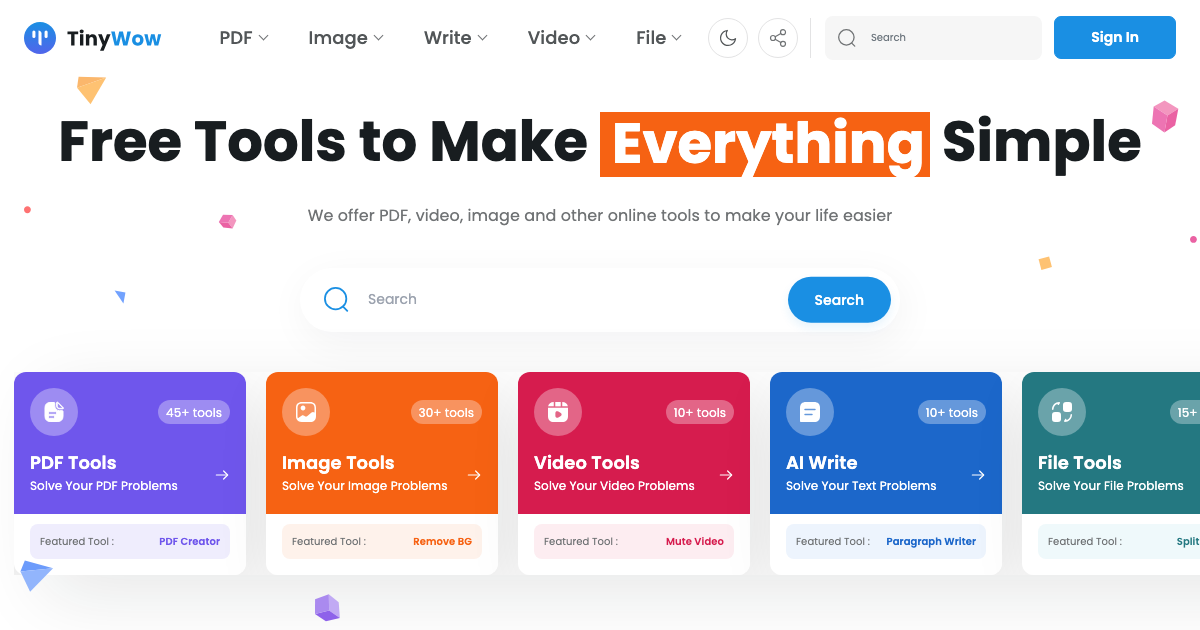
TinyWow is a comprehensive online platform providing a vast collection of free AI-powered tools for various tasks, including writing, PDF editing, image manipulation, and more. It aims to simplify complex processes and make them accessible to everyone without any cost.
TinyWow Key Features
AI Writing Tools
Offers various AI writing tools, including article rewriters, content generators, and text summarizers, helping users create high-quality content quickly and efficiently.
PDF Tools
Provides a complete suite of PDF tools, allowing users to convert, merge, split, compress, and edit PDF files with ease. Supports various file formats for conversion to and from PDF.
Image Tools
Includes a wide range of image editing tools, such as background removal, image resizing, object removal, and AI-powered image generation. Supports common image formats like JPG, PNG, and GIF.
File Conversion
Enables users to convert between different file formats, including audio, video, and document formats. Supports a broad range of input and output formats.
Other Useful Tools
Offers a diverse collection of other tools, including video editing, online calculators, and utilities for various tasks. Regularly updated with new tools and features.
How TinyWow Works
TinyWow provides a user-friendly interface where users can select the desired tool, upload their files or input text, and then process their data. The platform handles the processing in the cloud and provides the output for download.
TinyWow Benefits
Time Savings
Quickly complete tasks that would otherwise take hours, thanks to AI-powered automation and efficient processing.
Cost Efficiency
Access a wide array of tools for free, eliminating the need for expensive software subscriptions or individual tool purchases.
Ease of Use
Intuitive interface and simple workflows make it easy for anyone to use the tools, regardless of technical expertise.
Accessibility
Online platform accessible from any device with an internet connection, allowing users to work from anywhere.
Versatility
A wide variety of tools available in one place, covering a broad range of tasks.
TinyWow Use Cases
Content Creation
Generate blog posts, articles, and marketing copy quickly and easily using the AI writing tools.
PDF Management
Edit, convert, and manage PDF documents for business, academic, or personal use.
Image Editing
Enhance photos, create graphics, and remove backgrounds for websites, social media, and presentations.
File Conversion
Convert files between different formats for compatibility and sharing.
TinyWow FAQs
Is TinyWow really free?
Yes, all the tools on TinyWow are completely free to use.
Do I need to create an account?
No, you can use most of the tools without creating an account.
What file formats are supported?
TinyWow supports a wide range of file formats, including JPG, PNG, PDF, DOCX, MP3, MP4, and many more.
Who Should Use TinyWow
TinyWow is ideal for students, writers, marketers, designers, and anyone who needs quick and easy access to a variety of online tools for content creation, file management, and image editing. It's perfect for individuals and small businesses looking to save time and money on essential tasks.


