
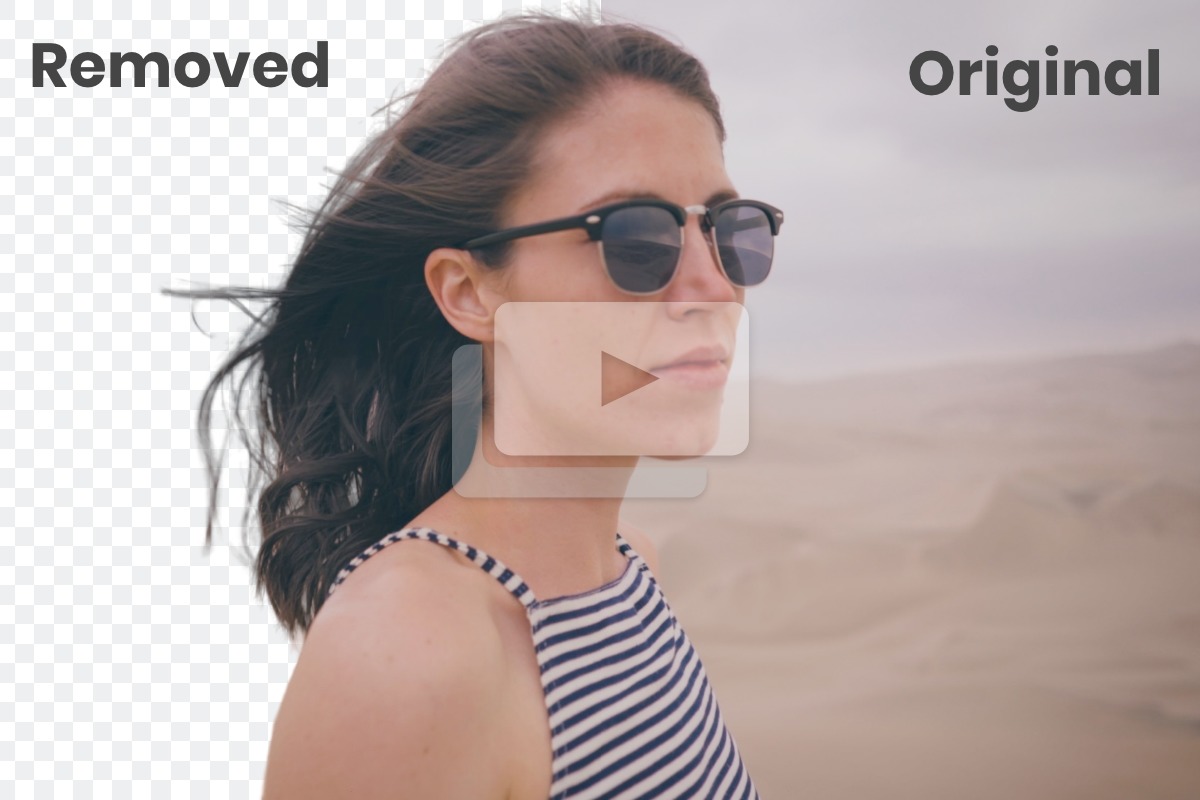
Unscreen is an online tool that automatically removes the background from videos and GIFs. It eliminates the need for a green screen or manual editing, making background removal quick and easy. Users can upload a clip or paste a video URL to get started.
Unscreen Key Features
Automatic Background Removal
Unscreen uses AI to analyze video footage and automatically remove the background. It supports various video formats, including MP4, GIF, MOV, and WebM.
GIF Support
In addition to video, Unscreen can also remove backgrounds from GIFs, making it a versatile tool for content creators.
Background Options
Users can replace the removed background with a solid color, another video, or a static image.
Video URL Upload
Users can paste a link to a video from YouTube or other platforms, and Unscreen will process it directly.
Free to Use
Unscreen offers basic background removal functionality for free.
How Unscreen Works
Unscreen uses a sophisticated AI algorithm to identify the foreground subject in a video and separate it from the background. The user simply uploads a video or provides a URL, and Unscreen automatically handles the rest.
Unscreen Benefits
Time Savings
Unscreen eliminates the need for manual background removal, saving hours of editing time.
Cost Efficiency
Unscreen is free for basic use, making it an affordable option for individuals and small businesses.
Ease of Use
Unscreen is simple to use, even for users with no prior video editing experience.
Creative Control
Users can customize the background with their own images or videos, adding a creative touch to their content.
Unscreen Use Cases
Content Creation
Remove backgrounds from videos for YouTube, social media, or marketing materials.
Video Conferencing
Use Unscreen to create a virtual background for video calls.
Animated GIFs
Create transparent GIFs for websites or social media.
Unscreen FAQs
What video formats does Unscreen support?
Unscreen supports MP4, GIF, MOV, WebM, and other common video formats.
Is Unscreen free to use?
Unscreen offers basic background removal functionality for free.
Can I replace the background with my own image or video?
Yes, Unscreen allows you to customize the background with your own content.
Who Should Use Unscreen
Unscreen is ideal for content creators, marketers, video editors, and anyone who needs to quickly and easily remove backgrounds from videos or GIFs. It's particularly useful for creating engaging content for social media, YouTube, and other online platforms.


