
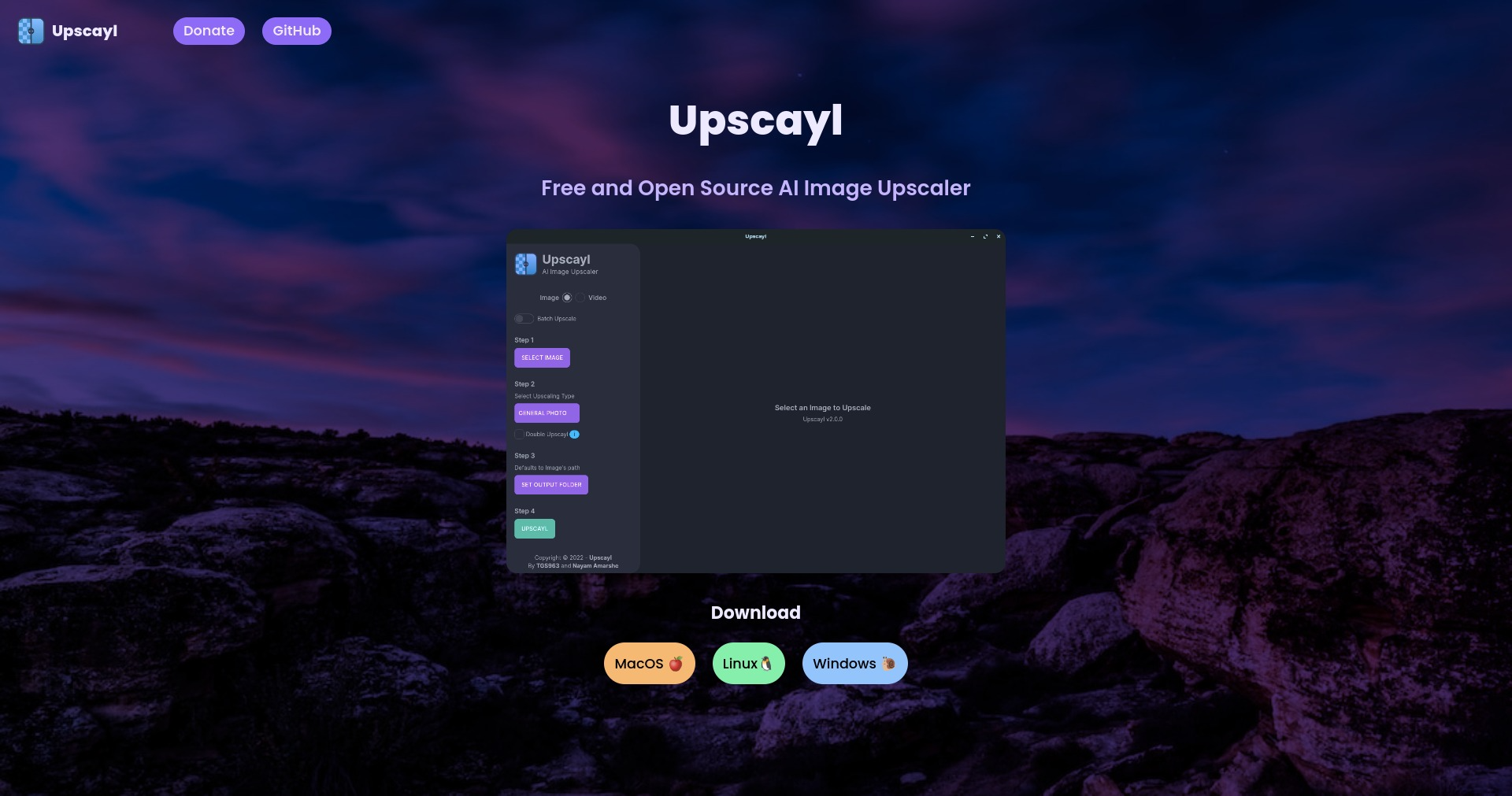
Upscayl is a free and open-source AI image upscaler that allows you to enhance the resolution of your images without losing quality. It leverages advanced AI models to intelligently upscale images for various applications.
Upscayl Key Features
AI-Powered Upscaling
Upscayl utilizes cutting-edge AI algorithms to increase the resolution of images, adding details and sharpening edges for a visually appealing result. It supports various AI models, allowing users to choose the one that best suits their needs.
Multiple Platform Support
Upscayl is available for Linux, MacOS, and Windows, ensuring accessibility for a wide range of users. This cross-platform compatibility makes it a versatile tool for anyone needing image upscaling.
Batch Processing
Upscayl can process multiple images simultaneously, saving time and effort when dealing with large volumes of photos. This feature is particularly useful for photographers, graphic designers, and anyone who needs to upscale a collection of images.
User-Friendly Interface
The software boasts an intuitive and easy-to-navigate interface, making it accessible to both beginners and experienced users. No technical expertise is required to start upscaling images.
Customizable Settings
Users can adjust various parameters to fine-tune the upscaling process, such as the AI model used, the upscaling factor, and other enhancement settings. This allows for tailored results that meet specific requirements.
Open Source
Being an open-source project, Upscayl benefits from community contributions, continuous improvements, and transparency. Users have the freedom to modify and distribute the software as needed.
How Upscayl Works
Upscayl works by leveraging pre-trained AI models to analyze and enhance the details in low-resolution images. The user selects an image, chooses the desired upscaling factor, and initiates the process. The AI model then fills in the missing details, sharpens edges, and removes artifacts, resulting in a high-resolution image.
Upscayl Benefits
Time Savings
Upscayl automates the image upscaling process, significantly reducing the time and effort required compared to manual methods. Batch processing further enhances time efficiency when dealing with multiple images.
Cost Efficiency
As a free and open-source tool, Upscayl eliminates the need for expensive commercial software, making it an affordable solution for image upscaling.
Enhanced Image Quality
Upscayl effectively increases the resolution of images while preserving details, resulting in sharper, clearer, and more visually appealing results.
Versatility
Upscayl can be used for a wide range of applications, including enhancing old photos, improving the quality of digital artwork, and preparing images for print.
Community Support
Being an open-source project, Upscayl benefits from a supportive community of users and developers who contribute to its ongoing development and provide assistance to fellow users.
Upscayl Use Cases
Photography
Photographers can use Upscayl to enhance the resolution of their photos, making them suitable for large prints or detailed editing.
Graphic Design
Graphic designers can upscale low-resolution images for use in their projects, ensuring high-quality visuals for logos, illustrations, and other design elements.
Web Development
Web developers can use Upscayl to optimize images for websites, improving visual appeal and ensuring fast loading times.
Archiving
Users can restore and enhance old or damaged photos, preserving precious memories for future generations.
Upscayl FAQs
What image formats does Upscayl support?
Upscayl supports common image formats such as JPEG, PNG, and TIFF.
How much can I upscale an image?
Upscayl allows you to upscale images by 2x, 4x, or even more, depending on the AI model used and the desired level of detail.
Is Upscayl free to use?
Yes, Upscayl is completely free and open source.
Who Should Use Upscayl
Upscayl is ideal for photographers, graphic designers, web developers, and anyone who needs to enhance the resolution of their images without sacrificing quality. It is perfect for both professionals and hobbyists looking for a free and easy-to-use image upscaling solution.


