
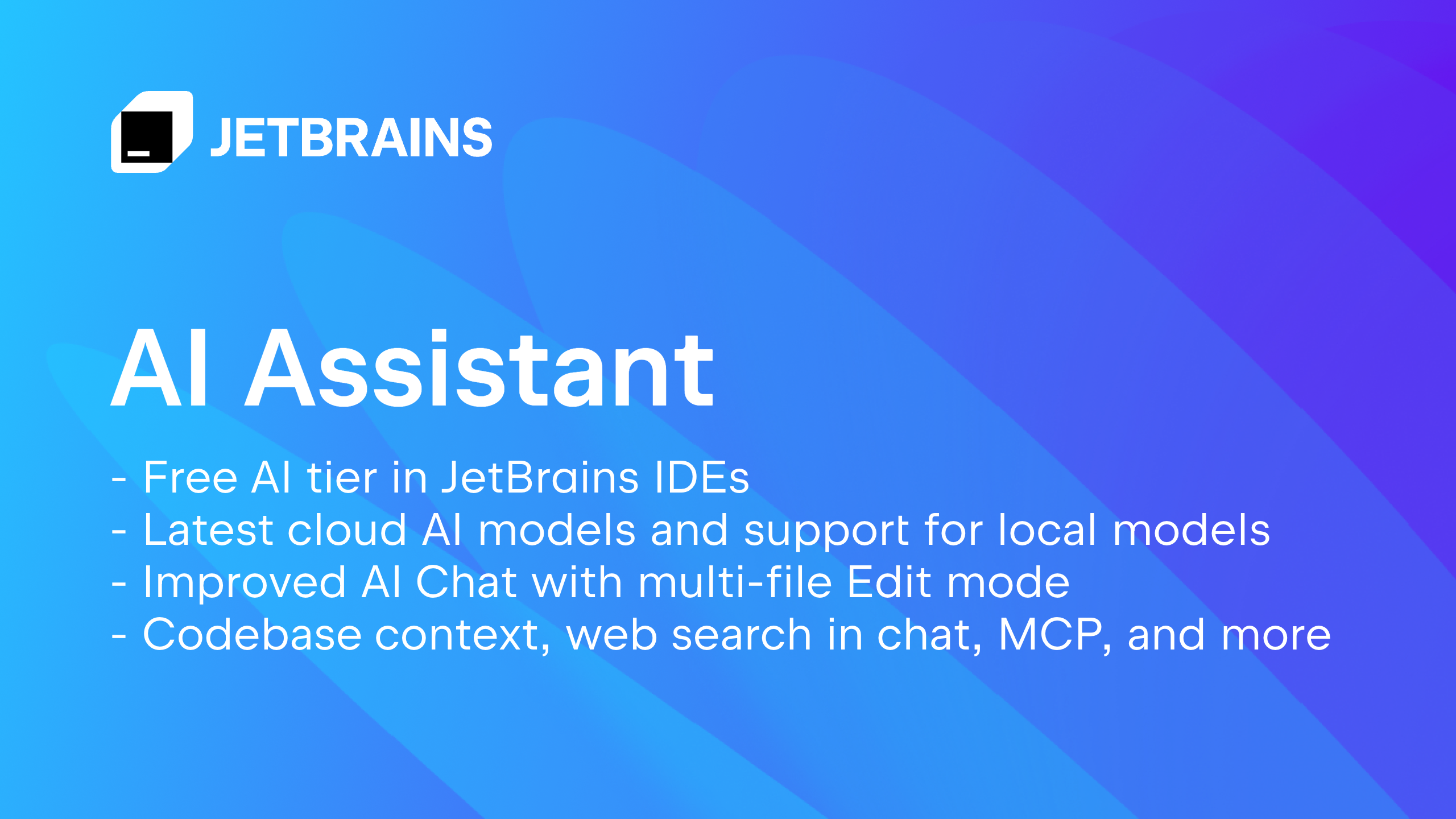
JetBrains AI Assistant is an intelligent assistant designed to streamline coding tasks by generating, explaining, and debugging code for developers using JetBrains IDEs. It enhances productivity and code quality by providing context-aware code generation, advanced code completion, and automated test creation.
AI Assistant Key Features
Context-Aware Code Generation
AI Assistant analyzes the context of your code to generate relevant and accurate suggestions, saving you time and reducing errors. It understands your project structure, coding style, and dependencies to provide intelligent code completions and snippets.
Advanced Code Completion
Go beyond basic code completion with AI-powered suggestions that anticipate your next steps. The assistant offers intelligent code completions, parameter suggestions, and even full code blocks, tailored to your specific context.
Automated Test Creation
Generate unit tests automatically with AI Assistant. It analyzes your code and creates comprehensive tests to ensure code quality and prevent regressions. This feature helps you maintain a robust and reliable codebase.
AI Chat
Interact with the AI assistant through a dedicated chat interface. Ask questions about your code, request explanations, or get help with debugging. The chat is integrated directly into your IDE for seamless access to AI assistance.
Web Search Integration
Search the web for code examples, documentation, and solutions directly from the AI chat. This feature allows you to quickly find the information you need without leaving your IDE.
Data Source Connection
Connect to various data sources to enhance the AI assistant's knowledge base. This allows the AI to provide more relevant and accurate suggestions based on your specific data requirements.
VCS Conflict Merging
Resolve version control conflicts more easily with AI assistance. The assistant helps you understand the changes and merge them efficiently, reducing the risk of errors.
Runtime Error Explanation
Get detailed explanations of runtime errors with AI Assistant. The assistant analyzes the error message and provides insights into the cause of the error, helping you debug your code more quickly.
Prompt Libraries
Utilize pre-built prompt libraries to quickly access common coding tasks and solutions. The libraries provide a curated collection of prompts for various coding scenarios, saving you time and effort.
Project Rules Management
Define and manage project-specific coding rules to ensure consistency and maintainability. The AI assistant helps you enforce these rules and provides suggestions to improve code quality.
How AI Assistant Works
JetBrains AI Assistant integrates seamlessly into your IDE, providing context-aware suggestions and assistance as you code. It leverages advanced machine learning models to understand your code and provide intelligent recommendations. The AI assistant continuously learns from your coding patterns and adapts to your specific needs.
AI Assistant Benefits
Time Savings
Reduce the time spent on coding tasks with AI-powered code generation and completion. The assistant helps you write code more quickly and efficiently, allowing you to focus on more complex problems.
Improved Code Quality
Enhance code quality with automated test creation and code analysis. The AI assistant helps you identify and fix potential issues, ensuring a robust and reliable codebase.
Reduced Errors
Minimize errors with context-aware code suggestions and real-time error detection. The assistant helps you avoid common mistakes and write cleaner, more maintainable code.
Enhanced Productivity
Boost productivity with AI-powered assistance that streamlines your workflow. The assistant helps you automate repetitive tasks and provides intelligent suggestions to improve your coding efficiency.
Seamless Integration
Enjoy a seamless coding experience with AI assistant integrated directly into your JetBrains IDE. The assistant is designed to work seamlessly with your existing workflow, providing assistance without disrupting your coding process.
AI Assistant Use Cases
Code Generation
Generate boilerplate code, function stubs, and even entire classes with AI Assistant. This feature is particularly useful for speeding up the development of new features and reducing the amount of repetitive coding.
Code Completion
Get intelligent code completions and parameter suggestions as you type. The AI assistant anticipates your next steps and provides relevant suggestions, saving you time and reducing errors.
Test Automation
Automate the creation of unit tests to ensure code quality and prevent regressions. The AI assistant analyzes your code and generates comprehensive tests, helping you maintain a robust and reliable codebase.
AI Assistant FAQs
What JetBrains IDEs are supported?
AI Assistant is supported in most JetBrains IDEs, including IntelliJ IDEA, PyCharm, WebStorm, and more.
How much does AI Assistant cost?
AI Assistant offers a freemium model with basic features available for free and premium subscription options for advanced features.
How secure is my code when using AI Assistant?
JetBrains takes data security seriously and employs industry-standard security measures to protect your code.
Who Should Use AI Assistant
Software developers, programmers, and engineers in various industries who want to improve their coding productivity, enhance code quality, and reduce errors. Perfect for both individual developers and teams working on complex projects.


