
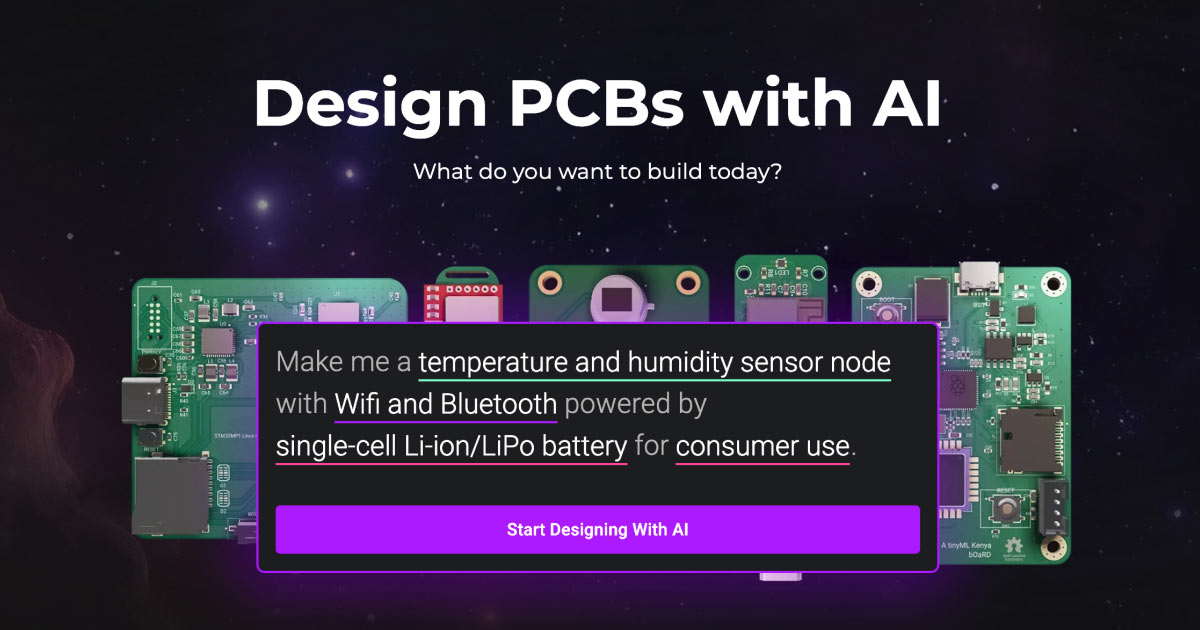
Flux is an AI-powered, browser-based eCAD (electronic computer-aided design) tool designed to streamline the PCB (printed circuit board) design process. It solves the problem of time-consuming and complex PCB design by automating key workflows, providing intelligent assistance, and offering a collaborative environment. Flux empowers engineers to design PCBs more efficiently and effectively.
Flux Key Features
AI-Powered Planning
Flux analyzes your project requirements and automatically generates a detailed plan for your PCB design. This feature saves time and ensures all aspects of the design are considered from the outset.
Automatic Schematic Generation
Flux generates schematics and BoMs (Bill of Materials) automatically, adhering to industry best practices. This feature significantly reduces manual effort and minimizes errors.
AI-Driven Layout
The AI-powered layout tool intelligently places and routes components on your PCB design, taking into account your constraints. This results in optimized layouts that you can either approve instantly or further refine.
Manufacturing-Ready Outputs
Flux generates outputs ready for fabrication, including sourcing-aware parts suggestions to reduce costs and avoid supply chain risks. It supports various manufacturing partners like PCBway, NextPCB, OSHPark, JLC PCB, Seeed Studio, Lion Circuits, Aisler, and Macrofab.
Browser-Based eCAD
Being browser-based, Flux eliminates the need for local installations and allows for seamless collaboration among team members, regardless of their location.
How Flux Works
Flux uses AI algorithms to automate and optimize each stage of the PCB design process. You input your design requirements, and Flux generates a plan, creates schematics and BoMs, lays out components, and prepares manufacturing outputs. The AI continuously learns and adapts to improve the efficiency and accuracy of its suggestions.
Flux Benefits
Time Savings
Flux automates time-consuming tasks such as schematic generation and component placement, reducing design time by up to 50%.
Cost Efficiency
By suggesting sourcing-aware parts, Flux helps minimize component costs and avoid supply chain disruptions, leading to significant cost savings.
Enhanced Collaboration
The browser-based platform facilitates real-time collaboration among team members, improving communication and reducing errors.
Optimized Layouts
The AI-driven layout tool generates optimized PCB layouts, improving performance and reducing the risk of signal integrity issues.
Ease of Use
Flux simplifies the complex PCB design process with an intuitive interface and intelligent automation, making it accessible to both experienced and novice engineers.
Flux Use Cases
IoT Device Design
Flux can be used to design PCBs for IoT devices, optimizing for size, power consumption, and cost.
Wearable Electronics
Flux simplifies the design of PCBs for wearable devices, allowing engineers to focus on innovation and functionality.
Robotics
From simple motor controllers to complex FPGA boards, Flux accelerates the design and development of PCBs for robotic applications.
Audio Devices
Flux aids in the creation of audio controllers by handling the intricacies of audio signals and power requirements.
Flux FAQs
Does Flux integrate with other design tools?
Flux can export standard file formats like Gerber and BOM files, allowing integration with other tools.
Is my data secure on Flux?
Flux employs industry-standard security measures to protect your data and ensure privacy.
What kind of support does Flux offer?
Flux provides comprehensive documentation, tutorials, and community support to help users get the most out of the platform.
Who Should Use Flux
Electrical engineers, hardware designers, and makers in industries such as IoT, wearables, robotics, and audio devices who are looking to streamline their PCB design process and improve efficiency. Perfect for both experienced engineers looking to automate repetitive tasks and novice designers seeking guidance and support.


