
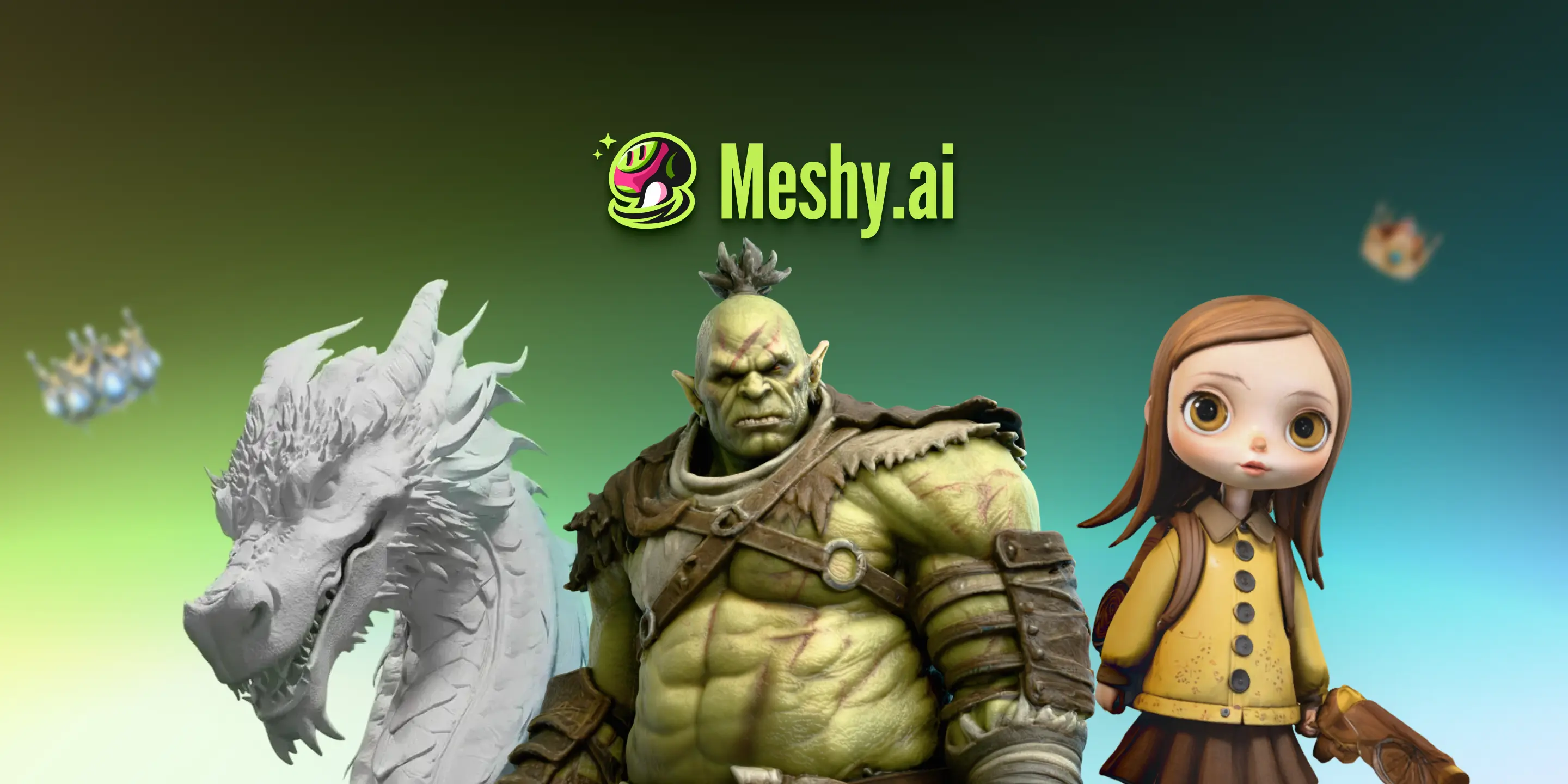
Meshy AI is an AI-powered 3D model generator that enables users to create production-ready 3D models from text prompts and images in seconds. It democratizes 3D content creation, making it accessible to 3D artists, game developers, educators, and creators of all skill levels. Meshy AI streamlines the 3D modeling process, eliminating the need for extensive 3D skills and significantly reducing creation time.
Meshy AI Key Features
Image to 3D
Generate high-quality 3D models from single or multiple images. Simply upload clear images, and Meshy AI will create aligned 3D models in moments. Supported image formats include JPG, PNG, and more.
Text to 3D
Create 3D models by typing short text prompts. Meshy AI utilizes advanced AI algorithms to interpret the text and generate corresponding 3D models with detailed textures and shapes.
AI Texturing
Enhance existing 3D models with AI-generated textures. This feature allows users to add realistic and visually appealing textures to their models, improving their overall quality and realism.
Animation
Bring 3D models to life with AI-powered animation capabilities. Rig and animate 3D models directly within the platform, or utilize the animation library for pre-made animations.
API
Integrate Meshy AI's 3D generation capabilities into existing workflows and applications using the API. The API allows for seamless automation and scalability of 3D content creation.
Smart Remesh
Optimize 3D models for various applications with intelligent remeshing tools. Reduce polygon count while preserving visual fidelity, ensuring models are suitable for game engines, 3D printing, and more.
Texture Editing
Refine and customize textures directly within Meshy AI. Edit colors, materials, and other texture properties to achieve the desired look and feel.
Asset Management
Organize and manage 3D assets within the platform. Store, categorize, and easily access 3D models and textures for efficient workflow management.
How Meshy AI Works
Meshy AI simplifies 3D modeling into a three-step process:
- Upload a clear image or type a short text prompt.
- Watch it become a high-quality 3D model aligned to your input in moments.
- Preview your model in the browser, then download for your workflow.
Meshy AI Benefits
Time Savings
Generate 3D models up to 10x faster than traditional methods. Meshy AI automates many of the time-consuming tasks involved in 3D modeling, significantly reducing production time.
Cost Efficiency
Scale 3D content creation without scaling costs. Meshy AI's AI-powered engine reduces the need for expensive manual labor, making 3D modeling more affordable.
Democratized 3D Content Creation
No 3D skills required. Meshy AI makes 3D modeling accessible to anyone, regardless of their technical expertise.
Versatile Use Cases
Suitable for various applications, including film production, product design, education, game development, 3D printing, VR/AR, and interior design.
Meshy AI Use Cases
Film Production
Create 3D models for visual effects, set design, and character animation.
Product Design
Generate 3D prototypes and visualizations for product development and marketing.
Education
Enable students to create 3D models for learning and exploration.
Game Development
Produce 3D assets for game environments, characters, and props.
3D Printing
Design and prepare 3D models for printing.
VR/AR
Develop immersive 3D content for virtual and augmented reality experiences.
Interior Design
Visualize interior spaces and furniture layouts in 3D.
Who Should Use Meshy AI
Meshy AI is ideal for 3D artists, game developers, educators, product designers, and anyone looking to quickly and easily create 3D models. It is perfect for both beginners and experienced professionals who want to streamline their 3D modeling workflow and unlock new creative possibilities.


