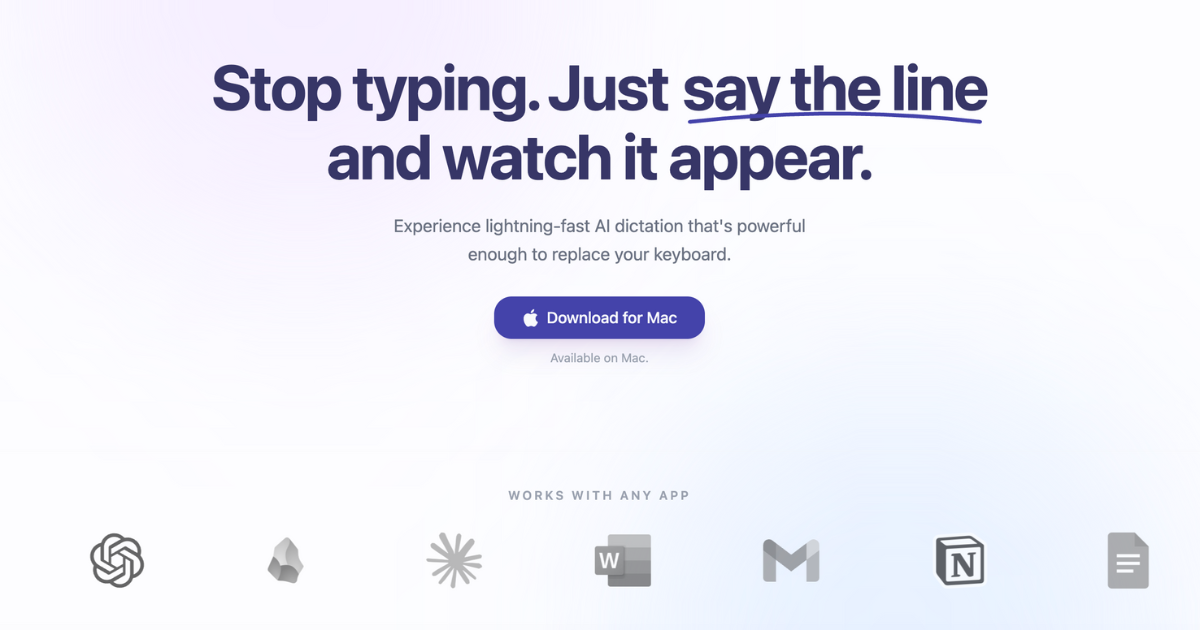
Sayline is an AI-powered voice dictation tool designed to be the most productive way to type. It solves the problem of slow and tedious typing by allowing users to simply speak their thoughts and have them instantly transcribed into text. Sayline integrates seamlessly with a wide range of applications, from email clients like Gmail and Outlook to productivity tools like Notion and Slack, and even coding environments like Cursor.
Sayline Key Features
Instant Transcription
Sayline converts spoken words into text in real-time, eliminating the need for manual typing. The tool uses advanced AI models to accurately transcribe speech, even with background noise or varying accents.
Wide Application Integration
Sayline seamlessly integrates with a multitude of applications, including:
- Email clients: Gmail, Outlook, Superhuman
- Productivity tools: Notion, Todoist, Linear
- Document editors: Google Docs, Microsoft Word, Obsidian
- Communication platforms: Slack, Zoom, Discord, WhatsApp, Telegram
- Design tools: Canva
- AI Tools: ChatGPT, Claude
Customizable Hotkey
Users can activate Sayline with a customizable hotkey, enabling quick and easy access to voice dictation from any application.
AI-Powered Accuracy
Sayline uses state-of-the-art AI models to ensure high accuracy in transcription, minimizing the need for manual corrections.
Cross-Platform Compatibility
Sayline is designed to work across different platforms and devices, ensuring a consistent user experience.
How Sayline Works
Sayline works by listening to the user's voice input, processing it through its AI transcription engine, and instantly displaying the transcribed text in the active application. Users press a designated hotkey to begin dictation and release the key to stop.
Sayline Benefits
Time Savings
Sayline significantly reduces the time spent on typing, allowing users to focus on more important tasks. Imagine drafting emails, writing documents, or communicating with colleagues in a fraction of the time.
Increased Productivity
By eliminating the bottleneck of manual typing, Sayline boosts overall productivity and enables users to accomplish more in less time.
Reduced Strain
Sayline minimizes physical strain associated with prolonged typing, promoting better ergonomics and reducing the risk of repetitive strain injuries.
Improved Focus
With Sayline, users can maintain their train of thought without being interrupted by the mechanics of typing, leading to improved focus and creativity.
Accessibility
Sayline provides an accessible alternative to typing for individuals with disabilities or mobility impairments.
Sayline Use Cases
Email Communication
Quickly draft and send emails without typing, saving time and improving response rates.
Document Creation
Create documents, reports, and articles with ease, streamlining the writing process.
Note-Taking
Take notes during meetings or lectures more efficiently, capturing key information without missing a beat.
Coding
Dictate code snippets and comments directly into the code editor, accelerating the development process.
Content Creation
Generate content for blogs, social media, and marketing campaigns faster and more effectively.
Sayline FAQs
How accurate is Sayline?
Sayline uses advanced AI models to achieve high accuracy in transcription. However, accuracy may vary depending on factors such as accent, background noise, and speaking speed.
What applications does Sayline integrate with?
Sayline integrates with a wide range of applications, including email clients, productivity tools, document editors, communication platforms, and more. A comprehensive list of supported applications is available on the Sayline website.
Is Sayline secure?
Sayline prioritizes user privacy and data security. All voice data is processed securely and is not stored or shared without user consent.
Who Should Use Sayline
Sayline is ideal for professionals, students, writers, and anyone who spends a significant amount of time typing. It is particularly beneficial for individuals who want to increase their productivity, reduce strain, and improve their focus. Perfect for both busy professionals and students who need to write quickly and efficiently.


