
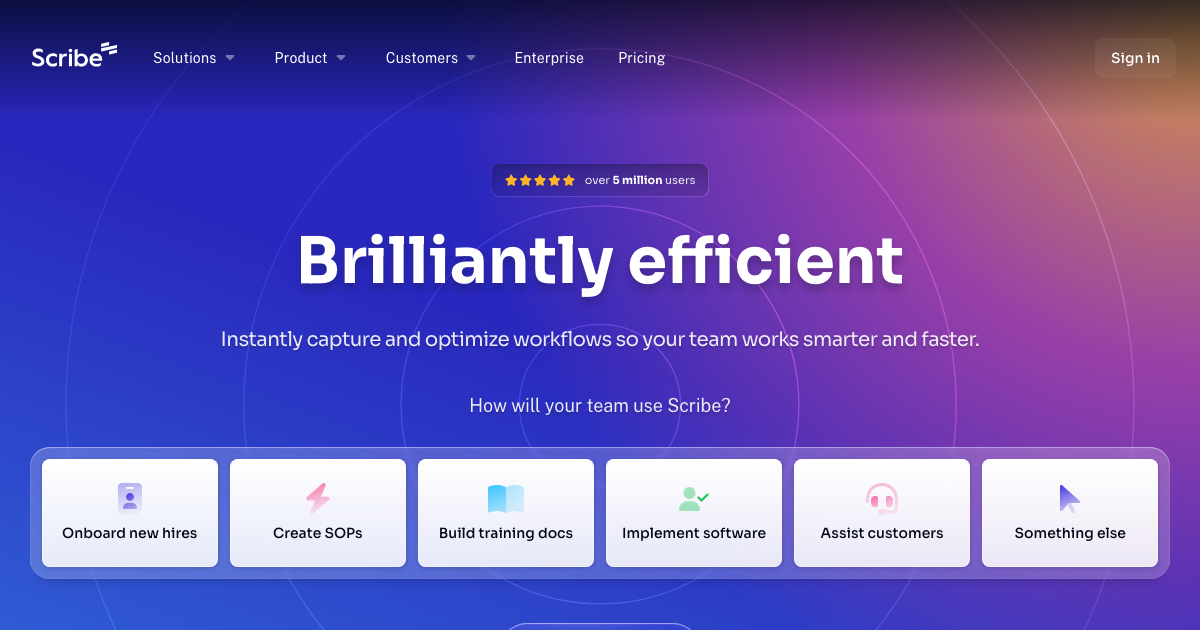
Scribe automatically creates visual step-by-step guides for any process. Documenting processes becomes effortless, saving time and improving team efficiency. Scribe captures your screen and mouse clicks to generate guides with screenshots and instructions. Share guides with teammates, embed them in knowledge bases, or export them as PDFs.
Scribe Key Features
Automatic Guide Creation
Scribe automatically records your actions and creates step-by-step guides with screenshots and written instructions. No manual screenshotting or writing required. Simply run Scribe, perform the process, and let it generate the guide.
Browser Extension and Desktop App
Scribe offers both a browser extension (Chrome) and a desktop app for capturing processes across different applications. Choose the tool that best suits your workflow.
Customizable Guides
Easily edit Scribe-generated guides to add more context, clarify instructions, or highlight specific steps. Add text, links, and annotations to customize the guides for your audience.
Collaboration and Sharing
Share Scribe guides with teammates via a link, embed them in your knowledge base (e.g., Notion, Confluence), or export them as PDFs. Facilitate easy collaboration and knowledge sharing within your organization.
Smart Blur
Automatically blur sensitive information in screenshots to protect confidential data. Ensure privacy and compliance without compromising the clarity of the guide.
Page Variants
Scribe automatically generates multiple ways to get to a page, so you can keep your documentation up to date.
How Scribe Works
Scribe uses a browser extension or desktop app to record your screen and mouse clicks as you perform a task. It then analyzes the recording to generate a step-by-step guide with screenshots and written instructions. You can then customize the guide by adding text, links, and annotations.
Scribe Benefits
Time Savings
Reduce the time spent documenting processes by up to 80%. Automate the creation of step-by-step guides and focus on more strategic tasks.
Improved Team Efficiency
Empower teammates to quickly learn and follow processes, reducing errors and improving overall productivity. Provide clear and concise documentation for consistent execution.
Enhanced Knowledge Sharing
Create a centralized repository of process documentation that is easily accessible and searchable. Facilitate knowledge transfer and prevent information silos within your organization.
Reduced Training Costs
Onboard new hires faster and more effectively with comprehensive process documentation. Minimize the need for one-on-one training and reduce the learning curve.
Streamlined Customer Support
Create detailed guides for common customer issues, enabling support teams to resolve inquiries more efficiently. Provide self-service resources for customers to troubleshoot problems on their own.
Scribe Use Cases
Creating Standard Operating Procedures (SOPs)
Document key business processes to ensure consistency and compliance. Create SOPs for tasks such as order processing, customer onboarding, and data entry.
Training New Employees
Onboard new hires by creating process documentation. Guide new employees through essential tasks and workflows.
Assisting Customers
Document troubleshooting steps for common customer issues. Provide customers with self-service resources to resolve problems independently.
Implementing Software
Document the steps for implementing and configuring new software applications. Guide users through the installation and setup process.
Onboarding New Hires
Create step-by-step guides for new employees to learn the company's processes and systems.
Scribe FAQs
How does Scribe capture my actions?
Scribe uses a browser extension or desktop app to record your screen and mouse clicks as you perform a task.
Can I edit the guides that Scribe creates?
Yes, you can easily edit Scribe-generated guides to add more context, clarify instructions, or highlight specific steps.
What formats can I export Scribe guides in?
You can export Scribe guides as PDFs or embed them in your knowledge base (e.g., Notion, Confluence).
Is Scribe secure?
Scribe offers Smart Blur feature to automatically blur sensitive information in screenshots and is SOC 2 Compliant.
Who Should Use Scribe
Scribe is ideal for teams and individuals in any industry who need to document and share processes. It is particularly useful for customer support teams, training departments, and operations teams.


