
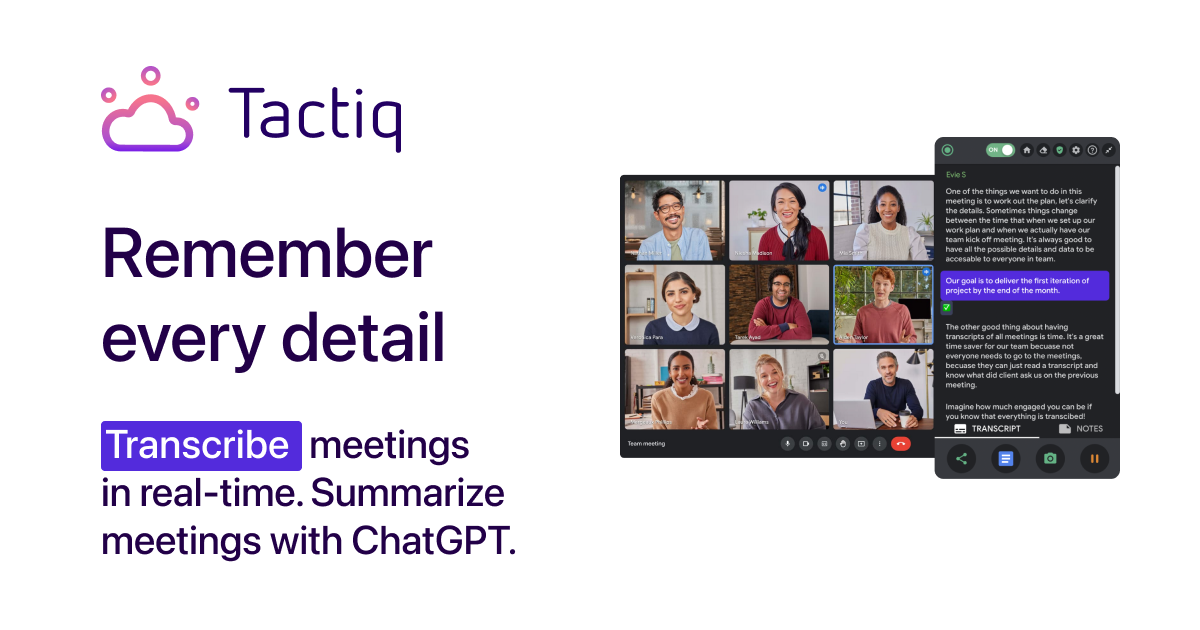
Tactiq is an AI meeting assistant that provides real-time transcription, summaries, and action items for Google Meet, Zoom, and Microsoft Teams meetings. It helps users capture and organize meeting notes effortlessly, increasing productivity and collaboration. Tactiq integrates seamlessly with your video conferencing tools and Chrome browser.
Tactiq Key Features
AI-Powered Transcriptions
Tactiq provides accurate, real-time transcriptions of your meetings. The AI automatically identifies speakers and highlights key moments. Transcripts are searchable, making it easy to find specific information later.
Integration with Google Meet, Zoom, and Teams
Tactiq seamlessly integrates with the most popular video conferencing platforms: Google Meet, Zoom, and Microsoft Teams. A Chrome extension enables Tactiq to run directly within your browser during meetings.
Automated Summaries
Get AI-generated summaries of your meetings, highlighting key discussion points, decisions, and action items. These summaries save time and ensure everyone is on the same page.
Action Item Detection
Tactiq automatically detects and extracts action items from meeting transcripts, ensuring that tasks are not overlooked and responsibilities are clear.
Custom AI Prompts
Tailor AI to your specific needs with custom prompts. Generate summaries focused on specific topics, extract key performance indicators, or analyze sentiment.
Collaboration Tools
Share transcripts and summaries with your team, allowing for easy collaboration and knowledge sharing. Tag team members in transcripts to assign tasks or highlight important information.
Chrome Extension
Quickly access Tactiq's core features with an easy-to-install Chrome extension.
How Tactiq Works
Tactiq uses advanced AI algorithms to analyze audio in real-time during meetings. It transcribes the spoken words, identifies speakers, and extracts key information such as action items and decisions. The AI then generates a summary of the meeting, highlighting the most important points.
Tactiq Benefits
Time Savings
Stop manually taking notes and spend time focused on the meeting. Summaries and action items are automatically generated, saving hours of post-meeting work.
Improved Collaboration
Share transcripts and summaries with your team, improving communication and ensuring everyone is aligned.
Increased Productivity
Capture every detail and never miss an important point. Action items are tracked and assigned, leading to increased productivity and accountability.
Enhanced Knowledge Sharing
Create a searchable repository of meeting knowledge, making it easy to find information and share insights across your organization.
Better Decision-Making
Data-driven insights from meeting analysis lead to more informed decisions and improved outcomes.
Tactiq Use Cases
Sales Meetings
Capture customer feedback, track commitments, and identify key sales opportunities.
Project Management
Document project progress, assign tasks, and ensure everyone is aware of their responsibilities.
Team Meetings
Improve team communication, track action items, and ensure alignment on goals and objectives.
Customer Support
Transcribe customer interactions, identify common issues, and improve support processes.
Tactiq FAQs
Is Tactiq secure?
Tactiq employs industry-standard security measures to protect your data and ensure privacy.
What platforms does Tactiq support?
Tactiq supports Google Meet, Zoom, and Microsoft Teams.
Is there a free plan?
Yes, Tactiq offers a free plan with limited features. Paid plans are available for advanced functionality.
Who Should Use Tactiq
Professionals and teams using video conferencing tools for meetings, project management, sales, and customer support. Ideal for anyone looking to improve meeting productivity, collaboration, and knowledge sharing. Perfect for project managers, sales teams, customer support representatives, and executives.


