
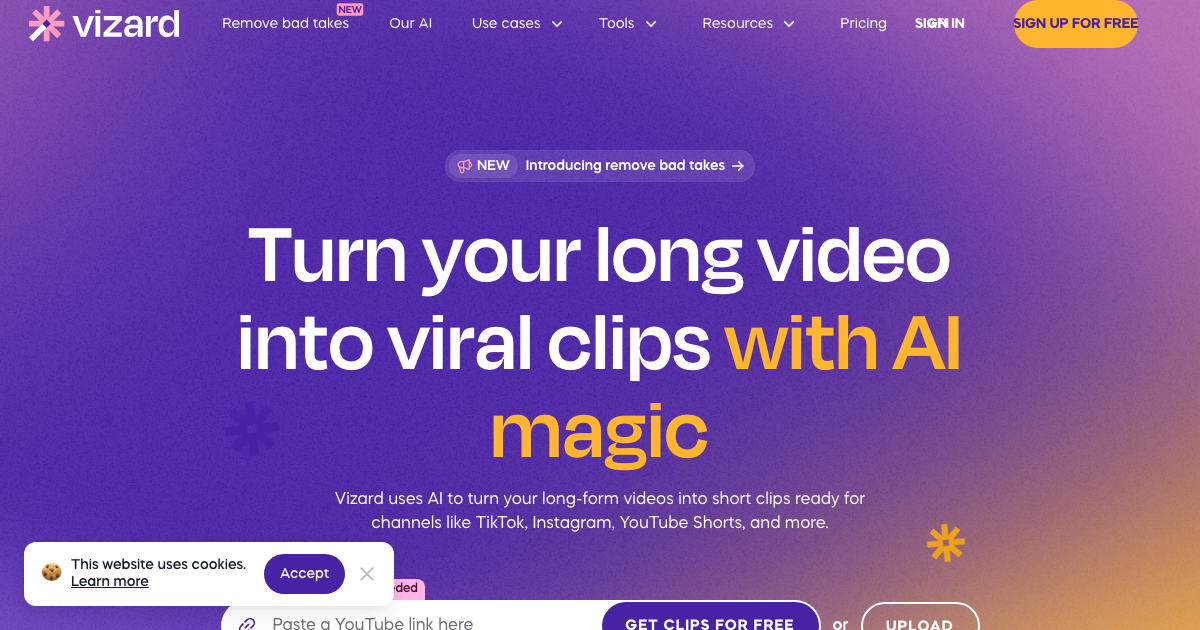
Vizard.ai is an AI-powered video editing and clipping tool designed to transform long-form videos into engaging, social-ready viral clips with just a few clicks. It solves the problem of time-consuming video editing by leveraging AI to automatically identify key moments and create compelling short videos, saving users significant time and effort. Vizard.ai offers a user-friendly interface and powerful features, making it accessible to both beginners and experienced video editors.
Vizard.ai Key Features
AI Scene Detection
Vizard.ai automatically analyzes your video content to identify key scenes and moments, eliminating the need for manual review and selection. This feature drastically reduces the time spent on identifying the most engaging parts of your video.
Text-Based Editing
Edit your videos as easily as editing text. Simply delete or modify the corresponding text transcript to remove or change sections of your video. This intuitive approach makes video editing accessible to anyone, regardless of their technical skills.
Automatic Subtitles and Captions
Generate accurate subtitles and captions for your videos with Vizard.ai's automatic transcription feature. Customize the style and appearance of your captions to match your brand and improve viewer engagement.
Smart Resizing for Social Media
Easily resize your videos for different social media platforms with pre-set aspect ratios and templates. Ensure your videos look their best on Instagram, TikTok, YouTube, and more.
AI B-Roll Suggestion
Enhance your videos with relevant B-roll footage suggested by Vizard.ai's AI algorithm. This feature helps you add visual interest and context to your videos without the hassle of searching for stock footage.
AI Emoji Generation
Enhance engagement with automatically generated emojis based on the video content. This feature can be customized to suit your brand's style.
How Vizard.ai Works
- Upload and Transcribe: Upload your long-form video to Vizard.ai, and the AI will automatically transcribe the audio.
- Get AI Clips: Vizard.ai analyzes the transcript and video content to identify key moments and suggest potential clips.
- Edit and Customize: Refine the AI-generated clips, add subtitles, resize for social media, and customize the appearance to match your brand.
- Publish and Share: Download your finished clips or share them directly to social media platforms.
Vizard.ai Benefits
Time Savings
Significantly reduce the time spent on video editing with AI-powered automation. Vizard.ai can save you hours of manual work by automatically identifying key scenes, generating subtitles, and resizing videos for different platforms.
Cost Efficiency
Eliminate the need for expensive video editing software and skilled editors. Vizard.ai provides an affordable and accessible solution for creating engaging video content.
Increased Engagement
Create visually appealing and informative videos that capture and retain your audience's attention. AI-powered features like automatic subtitles and B-roll suggestions help you create videos that resonate with viewers.
Brand Consistency
Maintain a consistent brand identity across all your video content with customizable templates, fonts, and colors. Ensure your videos align with your overall brand aesthetic.
Scalability
Easily create and manage a large volume of video content without sacrificing quality. Vizard.ai's automation features enable you to scale your video marketing efforts efficiently.
Vizard.ai Use Cases
Content Creators
Quickly create engaging short videos for social media platforms like TikTok, Instagram Reels, and YouTube Shorts. Repurpose long-form content into bite-sized clips to reach a wider audience.
Marketers
Produce compelling video ads and promotional content to drive brand awareness and generate leads. Create visually appealing videos that capture attention and convey your message effectively.
Educators
Create engaging educational videos for online courses and training programs. Use Vizard.ai to add subtitles, B-roll footage, and visual elements that enhance the learning experience.
Vizard.ai FAQs
Can I customize the subtitles generated by Vizard.ai?
Yes, you can customize the style, font, color, and position of the subtitles to match your brand.
What video formats does Vizard.ai support?
Vizard.ai supports most common video formats, including MP4, MOV, AVI, and WMV.
Can I use Vizard.ai to create videos for YouTube?
Yes, Vizard.ai provides pre-set aspect ratios and templates for YouTube, making it easy to create videos that look great on the platform.
Who Should Use Vizard.ai
Vizard.ai is ideal for content creators, marketers, educators, and businesses of all sizes who want to create engaging video content quickly and easily. It's perfect for both beginners and experienced video editors who are looking to streamline their workflow and save time.


